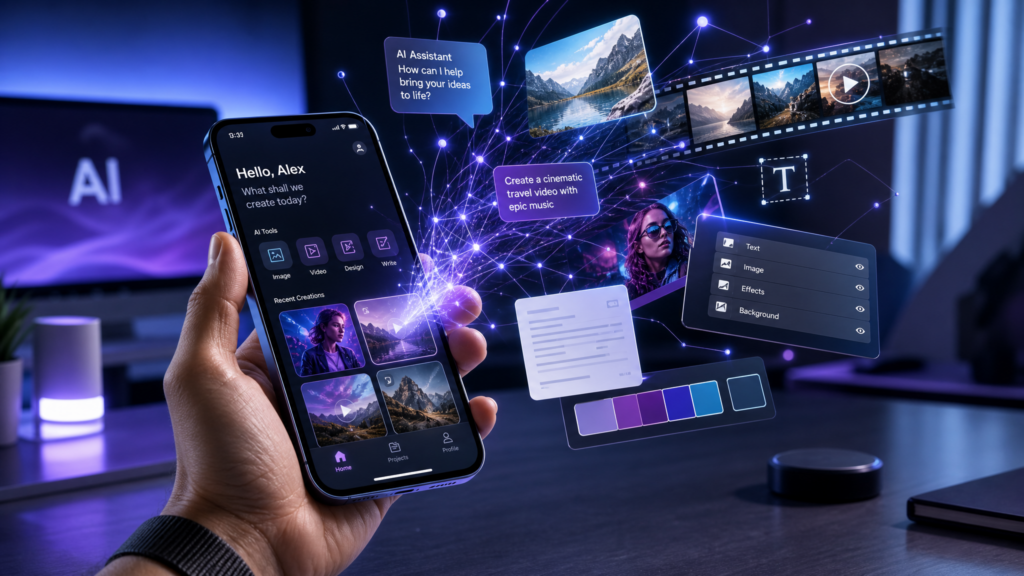
The days of needing a professional studio or a high-end desktop computer to create world-class content are officially over.
In 2026, the “Media Company of One” is built entirely within the palm of your hand. Whether you are generating realistic product photography, cinematic b-roll for your TikToks, or high-authority blog posts, AI tools on your smartphone have reached a level of quality that was unimaginable just a few years ago.
For the smartphone entrepreneur, this means you can produce content as fast as you can think. In this guide, we will explore the professional toolkit for AI content creation on mobile and how to integrate these assets into your business hubs.
Affiliate disclosure: This post contains affiliate links. If you make a purchase through one of these links, ProBusinessStrategy may earn a small commission at no extra cost to you. We only recommend tools we genuinely believe in.
The AI Content Stack: Your Mobile Studio
To be effective, you need a stack of tools that talk to each other. Your goal isn’t just to “generate an image,” but to create a cohesive brand identity that drives revenue to your WordPress site.
1. Visual Content: AI Image Generation
You no longer need to buy stock photos. For your blog’s featured images or social media posts, Midjourney and DALL-E 3 are your best friends.
The Mobile Workflow: Use the Discord app to access Midjourney or the ChatGPT app for DALL-E 3.
The Business Angle: Need “professional lifestyle” photography for your Airbnb Management Business? Don’t hire a photographer—prompt an AI to create a “modern luxury living room with soft evening light.”
2. Graphic Design: AI-Enhanced Layouts
While AI generates the “art,” you still need to add branding, text, and calls to action.
The Tool: Use the Canva mobile app and its “Magic Studio” features.
The Execution: Take your AI-generated image and use Canva’s AI to remove backgrounds, extend images (Generative Expand), or add professional typography for your Pinterest Pins.
3. Video Content: Short-Form AI Magic
Short-form video is the king of attention. To feed your YouTube Affiliate Channel or TikTok hub, use AI to automate the editing process.
The Tool: Use CapCut (mobile) or AI video generators like Runway and Luma via their mobile web interfaces.
The Workflow: Record yourself talking on your phone, then use AI to auto-generate captions and b-roll that matches your voice.
Step 1: The “Prompt and Pivot” Strategy
Most users are too vague with AI prompts. To get professional results from your phone, you need to provide Context, Style, and Intent.
Bad Prompt: “Create a picture of a house.”
Pro Prompt: “High-end architectural photography of a modern tiny home in a forest setting, drone perspective, cinematic lighting, 8k resolution, photorealistic style.”
This is the level of detail you need to stand out on high-authority platforms like LinkedIn. Check out our guide on Turning LinkedIn Posts into Leads to see how professional visuals can increase your consulting fees.
Step 2: Quality Control (The Human Touch)
AI creates the 90%, but the last 10% must be YOU.
Review for “AI Hallucinations”: Check for extra fingers in images or weird text in graphics.
Tone Alignment: If the AI writes a caption that sounds too technical, use your smartphone’s voice-to-text to dictate a more “human” tone.
Outsourcing the Polish: If you have a great AI-generated concept but it needs a professional touch, hire a specialist on Fiverr to finalize the design or edit the video.
Step 3: Distribution and SEO
Creating the content is only half the battle. You must distribute it to your platforms. Every image you create for your site should follow the image SEO rules we use:
Compress: Use a mobile image compressor to keep file sizes under 300KB.
Rename: Use keyword-rich names (e.g.,
ai-content-creation-toolkit.png).Host for Stability: Ensure your site is hosted on a fast provider like Bluehost so these rich media files don’t slow down your page speed.
Final Thoughts: The Infinite Content Loop
AI on your smartphone allows you to run a global media brand with zero overhead. You can research a niche on Pinterest, validate it with ChatGPT, generate the visuals with Midjourney, and publish it via your mobile WordPress dashboard.
The barrier to entry has disappeared. The only thing left is your ability to stay consistent and provide value.
Internal Linking & Resources:
Recommended Tools:



