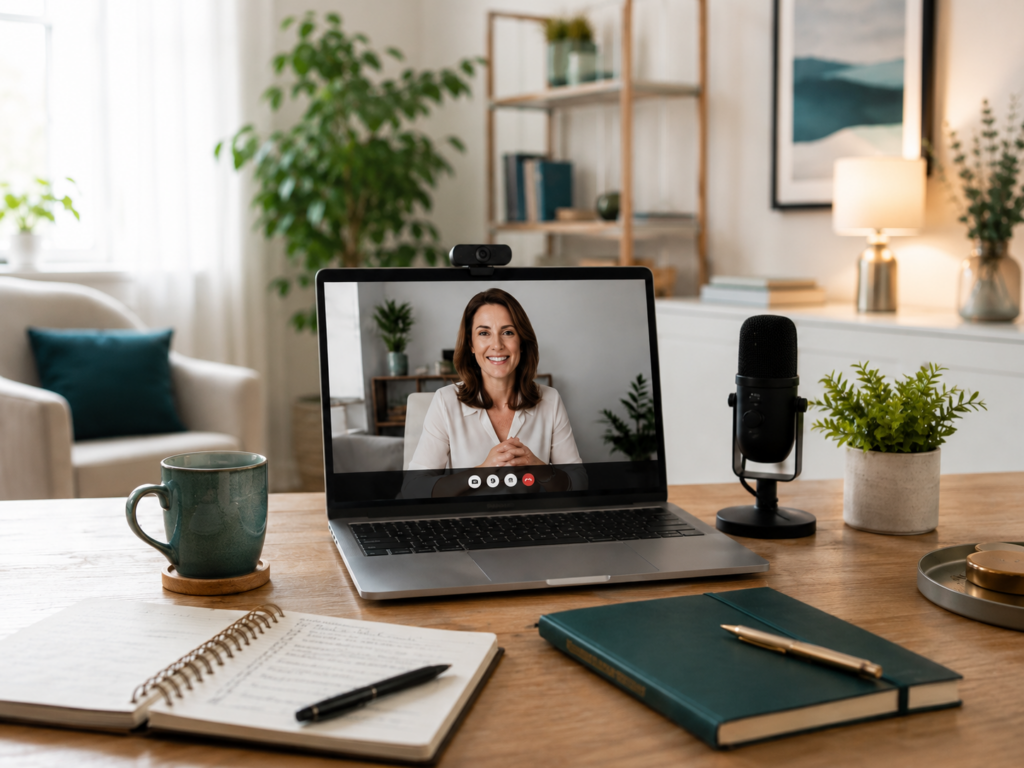
Working from home is normal now, but looking professional from home is still something many people underestimate.
If you run a home-based business, offer freelance services, coach clients, sell consulting, manage projects, teach online, or speak with customers remotely, your client calls matter.
A client call is not just a conversation.
It is part of your business image.
The way your call looks, sounds, starts, flows, and ends can influence how much trust people have in you. A good setup makes you look prepared. A messy setup can make even a good service feel less professional.
You do not need an expensive studio. You do not need a perfect home office. You do not need a luxury background.
But you do need a simple, reliable, professional setup.
This checklist will help you prepare better client calls from home.
Affiliate disclosure: This post contains affiliate links. If you make a purchase through one of these links, ProBusinessStrategy may earn a small commission at no extra cost to you. We only recommend tools we genuinely believe in.
Why Client Calls From Home Matter
When people visit an office, the office itself creates an impression.
They see the reception area, meeting room, desk, lighting, branding, organization, and atmosphere.
When you work from home, your video call becomes the meeting room.
Your background, sound, lighting, internet connection, camera angle, and communication style all become part of the experience.
A potential client may not consciously judge every detail, but they will feel the difference.
If the sound is bad, the screen freezes, the room is dark, and you seem unprepared, the call can feel less trustworthy.
If the lighting is clean, the audio is clear, the background is calm, and the conversation is structured, the client is more likely to feel that they are dealing with a serious person.
That is why a home-based business needs a professional call setup.
The Goal Is Not Perfection
Many beginners delay client calls because they think everything must look perfect.
That is not true.
The goal is not to look like a television studio.
The goal is to look clear, calm, prepared, and professional.
A simple home office corner can be enough.
A plain wall can work.
A clean desk can work.
Natural light can work.
A basic microphone can work.
What matters most is that your call does not distract from the conversation.
The client should be focused on your ideas, service, solution, and professionalism.
Not on background noise, poor lighting, clutter, or technical problems.
1. Choose a Quiet Call Location
The first step is choosing the right location in your home.
Pick a place where you can speak without constant interruptions.
Avoid areas where people walk behind you, doors open and close, pets make noise, or household activity is too visible.
The best call location is usually:
Quiet
Stable
Well-lit
Clean
Private
Easy to repeat
This matters because you do not want to rebuild your setup every time.
If possible, create a fixed call spot.
Even if it is just one corner of a room, make it your standard business call area.
2. Check Your Background
Your background does not need to be fancy, but it should be intentional.
A messy background can make the call feel less professional.
Before a call, check what the camera sees.
Remove visual distractions like laundry, dishes, personal clutter, open boxes, messy shelves, or anything too private.
Good background options include:
A clean wall
A bookshelf
A simple plant
A tidy desk area
A framed print
A branded background
A neutral curtain
A simple virtual background
Be careful with virtual backgrounds. They can work, but if they blur badly or cut around your face, they may look less professional.
A real clean background is often better.
3. Improve Your Lighting
Lighting is one of the easiest ways to look more professional on video.
Bad lighting can make you look tired, unclear, or hidden.
Good lighting makes the call feel cleaner and more trustworthy.
The simplest option is to face a window.
Do not sit with a bright window behind you, because that can make your face dark.
If natural light is not enough, use a small desk lamp or ring light.
Your face should be clearly visible.
You do not need dramatic lighting.
You need clear lighting.
Simple rule:
Light should come from in front of you, not behind you.
4. Use a Stable Camera Angle
Camera angle matters more than people think.
If your laptop is too low, the camera looks up at you. That can feel awkward and unflattering.
Try to place the camera at eye level.
You can use:
A laptop stand
A stack of books
A small tripod
A monitor riser
A phone stand
Look at the camera when speaking, especially during important points.
You do not need to stare into the camera all the time, but occasional eye contact makes the call feel more direct.
If you use your phone for client calls, make sure it is stable. Do not hold it in your hand for a professional call unless there is no other option.
5. Prioritize Audio Quality
Audio is more important than video.
A client can tolerate a slightly imperfect image.
Bad sound is much harder to accept.
If your voice is unclear, too quiet, echoing, or interrupted by background noise, the call becomes tiring.
Use headphones or earbuds if needed.
A simple external microphone can also make a big difference.
Before important calls, test your audio.
Check:
Can people hear you clearly?
Is there echo?
Is the room noisy?
Is the microphone too far away?
Are you using the right input device?
A quiet room plus clear microphone is often enough.
6. Test Your Internet Connection
A professional call can be ruined by unstable internet.
Before an important client call, check your connection.
If possible:
Use strong Wi-Fi
Sit close to the router
Close unnecessary apps
Avoid large downloads during calls
Ask others at home not to stream heavily during key calls
Use a wired connection if available
If your connection is sometimes unreliable, have a backup plan.
For example:
Phone hotspot
Dial-in option
Backup device
Reschedule message ready
Client phone number available
The goal is not to avoid every possible problem.
The goal is to be prepared.
7. Prepare Your Call Tools
Before the call starts, open everything you need.
This may include:
Calendar invite
Meeting link
Client notes
Proposal
Presentation
Website
Spreadsheet
Contract
Invoice tool
CRM
Notepad
Call agenda
Do not wait until the client is on the call to search for files.
That creates stress and makes you look unprepared.
Create a simple pre-call routine:
Open the meeting link.
Open the client notes.
Check the agenda.
Test camera and microphone.
Close distractions.
Prepare water.
Join on time.
This routine can make your calls much smoother.
8. Create a Simple Call Agenda
A professional call needs structure.
Even a friendly conversation should have a direction.
A simple client call agenda might look like this:
Welcome
Purpose of the call
Client situation
Main questions
Your recommendation
Next steps
Timeline
Follow-up
You do not need to sound robotic.
But you should guide the conversation.
Clients often appreciate structure because it helps them feel that their time is respected.
At the start of the call, you can say:
“Before we begin, I suggest we quickly go through your current situation, the main challenge, possible next steps, and then decide what makes sense after this call.”
That sounds professional and clear.
9. Dress for the Type of Client
Working from home does not mean looking careless.
You do not need to wear a suit for every call, but your appearance should match the type of business and client.
Ask:
Would this outfit make sense if I met this client in person?
Does it fit my industry?
Does it look clean and professional on camera?
Does it support trust?
For some businesses, a simple clean shirt is enough.
For consulting, finance, legal, coaching, or B2B services, you may want to look slightly more formal.
Your goal is to look like someone the client can trust with their problem.
10. Remove Digital Distractions
Digital distractions are just as bad as physical distractions.
Before a call:
Close unnecessary tabs
Mute phone notifications
Turn off desktop popups
Close private messages
Disable email alerts
Hide sensitive files
Clean your desktop if screen sharing
If you plan to share your screen, prepare the exact window in advance.
Never share your whole screen if there are private tabs, client files, or personal notifications visible.
Professional screen sharing is part of client trust.
11. Use a Clear Name and Profile Picture
Your meeting profile should look professional.
Check your display name in Zoom, Google Meet, Microsoft Teams, or other platforms.
Avoid names like:
Laptop123
iPhone
User
Old nickname
Random initials
Use your real name or business name.
For example:
Tim Badlow
ProBusinessStrategy
Tim | Business Strategy
A professional profile picture also helps if your camera is off before the call starts.
Small details matter.
12. Prepare Questions Before the Call
A good client call is not only about talking.
It is about asking the right questions.
Prepare questions such as:
What are you trying to solve?
What have you already tried?
What is the main goal?
What is the deadline?
What would success look like?
Who makes the decision?
What budget or resources are available?
What happens if this is not solved?
Good questions make you look more professional.
They also help you avoid giving advice too early.
13. Take Notes During the Call
Taking notes shows that you are paying attention.
You can use a notebook, document, CRM, or simple spreadsheet.
Write down:
Client goals
Problems
Important details
Decision-makers
Objections
Budget signs
Deadlines
Follow-up tasks
Promised actions
At the end of the call, summarize the key points.
For example:
“Just to confirm, your main goal is to improve your website before next month, your biggest issue is unclear messaging, and the next step is that I send you a simple proposal by Friday.”
This helps avoid confusion.
14. End With Clear Next Steps
A client call should not end vaguely.
Avoid endings like:
“Okay, we will see.”
“Let me know.”
“We can talk later.”
Instead, end with a clear next step.
Examples:
“I will send the proposal tomorrow.”
“You will send me the current files by Friday.”
“We will schedule a follow-up next week.”
“I will create a short summary and send it after this call.”
“The next step is a paid strategy session.”
A clear next step makes the call feel complete.
It also helps move the business forward.
15. Follow Up Professionally
The follow-up is part of the call experience.
After the call, send a short message.
Include:
Thank you
Summary
Key points
Next step
Deadline
Link or attachment if needed
Example:
“Thanks for the call today. Based on our conversation, the main priority is improving your client onboarding process. I will send a short proposal by Thursday with the recommended next steps.”
This makes you look organized.
It also reduces the chance that the client forgets what was discussed.
16. Use Tools When They Truly Help
You do not need many tools to run professional client calls from home.
But some tools can help.
Useful tools may include:
Calendar scheduling tool
Video meeting software
Simple CRM
Proposal template
Invoice tool
Screen recording tool
Project management tool
Digital notebook
Presentation template
If you need help preparing client-facing materials, such as a presentation, call deck, proposal design, branded PDF, or professional profile setup, Fiverr can be useful for finding freelancers who offer design, copywriting, branding, video editing, and virtual assistant support.
The key is not to overcomplicate your setup.
Use tools to make the client experience smoother, not heavier.
17. Create a Repeatable Client Call Checklist
The best setup is repeatable.
You should not have to think from zero before every call.
Use this checklist:
Quiet location selected
Background clean
Lighting checked
Camera at eye level
Microphone tested
Internet stable
Meeting link ready
Client notes open
Agenda prepared
Questions prepared
Notifications off
Screen sharing ready
Water nearby
Notebook ready
Next step planned
This checklist can help you avoid mistakes.
It also makes you feel more confident.
18. The Home-Based Business Advantage
Running client calls from home can actually become an advantage.
You save travel time.
You can speak with clients in different locations.
You can build a business with lower overhead.
You can create a professional experience without renting an office.
But the home-based advantage only works if your setup supports trust.
A professional call setup makes your business feel more serious.
That can help you win clients, keep clients, and communicate better.
Final Thoughts
Client calls from home do not need to be complicated.
You need a quiet space, clear sound, good lighting, a stable camera, prepared notes, a simple agenda, and professional follow-up.
The goal is not to pretend that you have a corporate office.
The goal is to show that you are reliable, prepared, and easy to work with.
A client does not need to see a perfect studio.
They need to feel that they are speaking with someone who respects their time and understands their problem.
That is what a professional home-based client call setup can do.
It turns a simple video call into a better business experience.
Internal Linking
Related Articles: