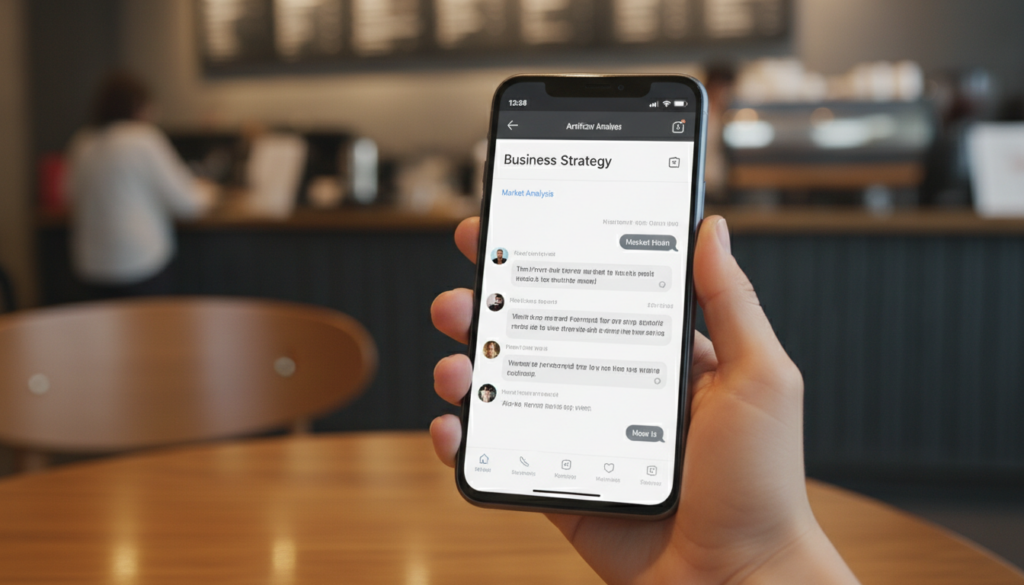
In the initial fever of the AI revolution, most people viewed ChatGPT as a tool for their laptop—something to use while sitting at a desk. In 2026, the real power users have shifted. They realize that having ChatGPT on their smartphone is like having a Harvard-educated business consultant, a creative director, and a research assistant standing by in their pocket, 24/7.
The mobile app has evolved significantly. With advanced voice capabilities, multimodal inputs (camera and files), and ultra-fast reasoning, the smartphone is now the primary device for AI-driven business management.
This guide will show you exactly how to master ChatGPT on your phone to handle complex business tasks, from high-level strategy to the daily “grunt work” of digital marketing.
Affiliate disclosure: This post contains affiliate links. If you make a purchase through one of these links, ProBusinessStrategy may earn a small commission at no extra cost to you. We only recommend tools we genuinely believe in.
1. Why the Mobile App is Superior for Business
While the desktop version is great for long-form writing, the mobile app offers unique features that are tailor-made for the “on-the-go” entrepreneur:
Voice Mode (The “Walking Meeting”): You can brainstorm entire business models while walking. The natural, low-latency voice interaction allows for a flow of ideas that typing simply cannot match.
The Vision Tool (The “Real-World Analyst”): See a product in a store? Take a photo and ask ChatGPT to analyze its market positioning or find competitors.
Immediate Accessibility: When a business idea strikes you at 2:00 PM in a supermarket, you don’t have to wait until you get home to validate it.
2. Setting Up Your Mobile AI Workspace
Before you start prompting, ensure your app is optimized for business use:
Custom Instructions: Tell ChatGPT who you are. “I am a smartphone entrepreneur running a niche affiliate marketing business. My tone is professional yet accessible.” This saves you from repeating context in every prompt.
Organized Folders/Threads: Keep your “Business Strategy” threads separate from your “Content Creation” threads. This helps the AI maintain the specific context of each project.
Widgets: Add the ChatGPT widget to your smartphone home screen for one-tap access to voice or search mode.
3. High-Impact Business Tasks You Can Handle on Your Phone
Strategic Research & Niche Validation
Use ChatGPT as a sounding board. Instead of guessing if a niche is profitable, ask for a SWOT analysis based on current 2026 trends.
Workflow: Ask it to identify “underserved segments in the sustainable pet care niche” and provide five unique entry points for a mobile-first business.
Content Outlining & Scriptwriting
Whether you are preparing a guest post or a script for your TikTok Business, ChatGPT can handle the structure.
Workflow: Give it a title and ask for a 10-point outline that focuses on “high engagement” and “clear calls to action.”
Email & Communication Management
Tired of drafting professional responses to potential partners?
Workflow: Copy a complex email you received, paste it into ChatGPT, and ask: “Draft a professional, firm, but polite response that accepts the collaboration but asks for a higher commission rate.”
Code & Technical Troubleshooting (No-Code Friendly)
If your WordPress site has a small CSS issue, you don’t need a developer.
Workflow: Take a screenshot of the issue or copy the code snippet. Ask ChatGPT: “What is wrong with this code, and how do I fix it in the WordPress Customizer?”
4. The 2026 “Pro-Prompting” Framework for Mobile
On a phone, you want to type less and get more. Use this context-action-format framework:
Context: “I am writing a blog post for my smartphone business site about [Topic].”
Action: “Create a list of 5 controversial hooks that will stop the scroll.”
Format: “Provide them in a bulleted list, no longer than 15 words each.”
By being specific about the format, you avoid long, rambling responses that are difficult to read on a small screen.
5. Integrating Your Mobile AI with Your Business Hub
ChatGPT generates the “intelligence,” but your website is where that intelligence is monetized.
From Idea to Website: Use ChatGPT to draft the content, and then paste it directly into your Bluehost site’s mobile-optimized editor.
Affiliate Strategy: Ask ChatGPT to find high-paying affiliate programs in your niche. Once you have a list, cross-reference it with our High-Paying Affiliate Programs guide (which we previously discussed) to find the best fit.
Outsourcing the Complex: When ChatGPT identifies a task that is too complex for AI (like custom software development), use it to draft the job description for your Fiverr outreach.
6. Common Pitfalls to Avoid
Even in 2026, AI has limitations you must manage:
Hallucinations: Always double-check facts, especially data and URLs. ChatGPT knows how to write, but it doesn’t always know the truth.
The “AI-Voice” Trap: Don’t just copy-paste. ChatGPT has a specific “style” that readers can recognize. Always add your own voice, anecdotes, and opinions to keep the content authentic.
Data Privacy: Never paste sensitive legal documents or private customer data into the chat unless you have an Enterprise-grade privacy setting enabled.
7. Next Steps in Your AI Journey
Mastering ChatGPT is the foundation of the modern mobile business. Once you are comfortable with text and voice, the next logical step is to explore how AI can help you with more visual tasks.
Final Thoughts: Your Pocket-Sized Boardroom
The difference between a “hobbyist” and a “professional” in 2026 is how they use their tools. A hobbyist uses ChatGPT to ask fun questions; a professional uses it to build an empire.
By utilizing the voice mode, the vision tools, and a structured prompting framework, you are no longer limited by your own bandwidth. You can think faster, execute quicker, and manage a complex business with nothing but the device in your hand.



