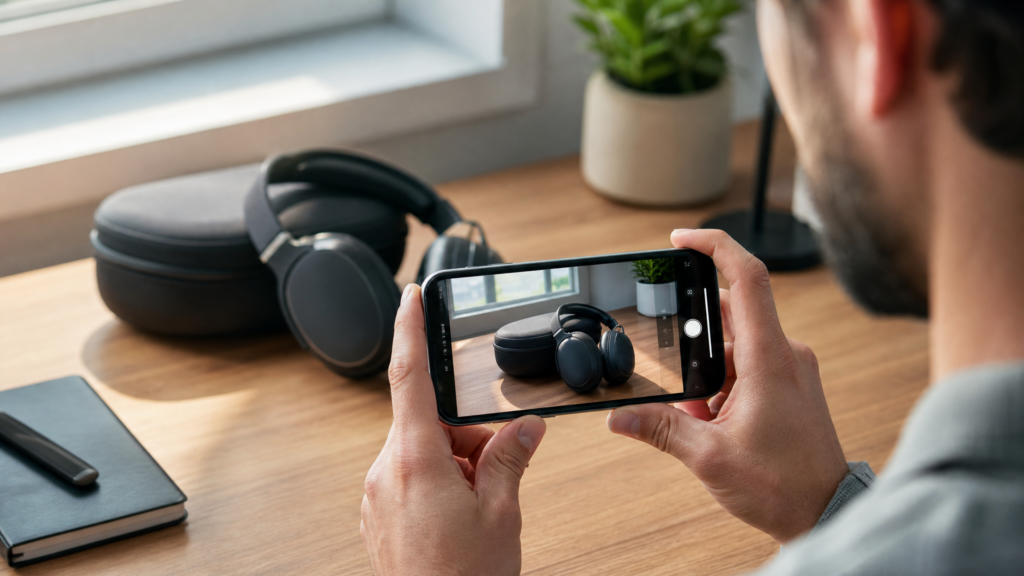
In the world of affiliate marketing, the “Product Review” is the undisputed king of conversions. When someone searches for a review, they are at the very end of their buying journey. They have the problem, they’ve found a solution, and now they just want one final confirmation before they click “buy.”
The best part? In 2026, you don’t need a high-end studio, professional lighting, or a dedicated camera crew to create these reviews. In fact, “too professional” reviews often feel like ads. Modern audiences crave authenticity, and nothing feels more authentic than a high-quality review filmed and edited entirely on a smartphone.
If you are following our broader strategy for How to Start Affiliate Marketing from Your Smartphone, mastering the product review is your fastest path to actual commissions.
Affiliate disclosure: This post contains affiliate links. If you make a purchase through one of these links, ProBusinessStrategy may earn a small commission at no extra cost to you. We only recommend tools we genuinely believe in.
Step 1: Choosing a Review Format That Fits Your Niche
Not all reviews are the same. Depending on what you are promoting, your format will change.
The “Talking Head” Social Review
Perfect for Instagram or TikTok. You are on camera, holding the product, and talking about your experience.
The “Over-the-Shoulder” Tutorial
Great for software, apps, or physical tools. You film the product or phone screen while explaining the features. This works perfectly for tools like the WordPress Website Builder or Shopify.
The “Comparison” Review
Show two competing products side-by-side. This is excellent for helping someone decide between Bluehost and Namecheap, for example.
Step 2: Structure Your Review for High Conversions
A review that makes money follows a specific psychological flow. Don’t just list features; tell a story.
The Hook: Start with the main benefit or the big problem the product solves.
The Context: Why did you buy it? What were you using before?
The “Good”: What do you genuinely love about it?
The “Bad”: Be honest. What could be better? (This builds massive trust).
The Verdict: Is it worth the money? Who is it for?
The Call to Action: “If you want to try it yourself, you can get it through my link in the description/bio.”
Step 3: Technical Setup Using Only Your Phone
You don’t need a crew, but you do need to pay attention to three things:
1. Lighting (The Free Way)
Film near a large window during the day. Natural light is more flattering than cheap studio lights.
2. Audio (The Secret to Retention)
Viewers will tolerate average video, but they will leave if the audio is bad. Use a cheap lavalier microphone that plugs into your phone or film in a quiet, carpeted room to reduce echo.
3. Stability
Use a simple smartphone tripod or even lean your phone against a stack of books. Shaky footage is distracting. For professional branding or video intro assets, you can always hire a specialist on Fiverr to give your mobile reviews a premium feel.
Step 4: Show, Don’t Just Tell
One mistake mobile reviewers make is only showing their face. Use “B-roll” (extra footage).
Show the product being unboxed.
Show the buttons, the texture, or the software interface.
Show the product actually working.
If you are reviewing the WordPress AI Sitebuilder, record your screen while the AI builds the site. Seeing it happen is much more convincing than just hearing about it.
Step 5: SEO for Mobile Reviews
To get views on your reviews, you need to be found.
Titles: Use “Product Name + Review + Year” (e.g., “Shopify Review 2026”).
Keywords: Include the main focus keyword in your first paragraph and video description.
Thumbnails: Use a high-contrast photo of you with the product.
This strategy pairs perfectly with our guide on How to Create a YouTube Affiliate Channel from Your Smartphone and How to Create High-Converting Affiliate Content from Your Smartphone.
Step 6: Placing Your Affiliate Links Correctly
Your link should be easy to find.
In a blog post: Use a “Check Pricing” button or a styled box.
In a video: Use a pinned comment and the first line of the description.
If you are reviewing e-commerce solutions like Shopify or print-on-demand services like Printful, make sure to mention any special trials or discounts your link might provide.
Final Thoughts
Creating product reviews from your phone is about being a “trusted advisor” to your audience. When you provide honest, well-filmed, and helpful information, people are happy to use your affiliate links.
Start with a tool or product you already use every day. Pick up your phone, find a window with good light, and share your honest experience.
Next steps for your mobile affiliate business:



