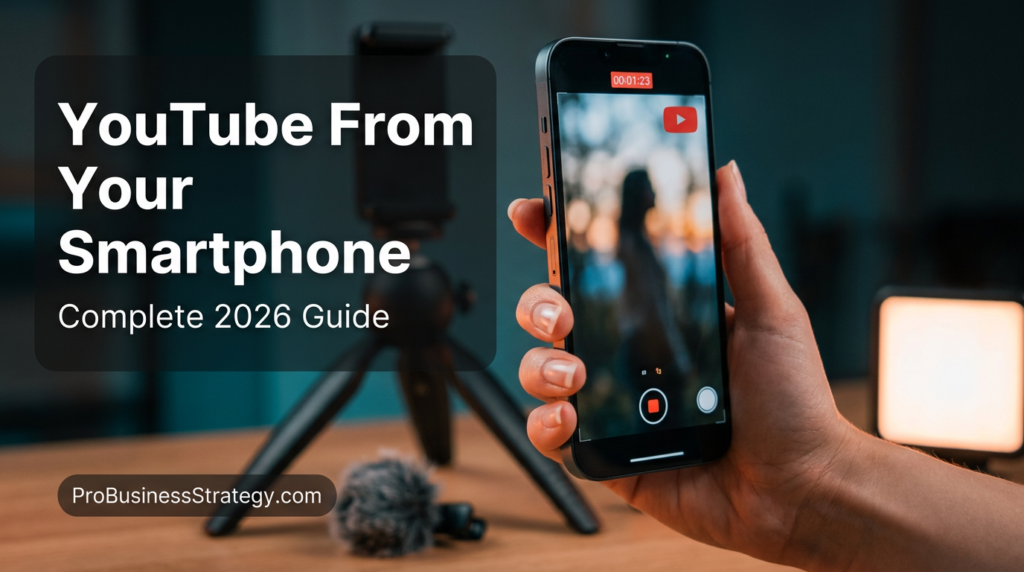
Introduction: The Death of the “Expensive Camera” Excuse
There is a common myth that still stops thousands of potential creators in 2026: “I need a 4K mirrorless camera and an expensive studio to start YouTube.”
The truth? Some of the biggest channels today, earning six figures in monthly ad revenue, are shot, edited, and uploaded entirely from an iPhone or Android device.
The smartphone you are holding right now has better processing power than the setups used by top YouTubers a decade ago. In 2026, YouTube’s algorithm prioritizes authenticity and value over cinematic perfection. Audiences crave a “boots on the ground” feel—and nothing delivers that better than the device that’s already in your pocket.
In this pillar guide, we will break down the exact system for launching, producing, and growing a YouTube empire using nothing but your smartphone.
Affiliate disclosure: This post contains affiliate links. If you make a purchase through one of these links, ProBusinessStrategy may earn a small commission at no extra cost to you. We only recommend tools we genuinely believe in.
Phase 1: The 2026 YouTube Mobile Tech Stack
Before you hit record, you need to turn your communication device into a production powerhouse. You don’t need much, but the right accessories make the difference between an amateur “home video” and a professional creator brand.
1. The Camera (Optimizing What You Have)
You don’t need a new phone every year. However, you must know how to use the one you have.
- Clean your lens: It sounds simple, but 50% of “blurry” phone footage is just fingerprint grease.
- The 4K/60fps Rule: In 2026, 4K is the standard. Even if your viewers watch in 1080p, shooting in 4K allows you to “crop in” during editing without losing quality.
- Lock your Exposure/Focus: Long-press your screen to lock focus so the lighting doesn’t “pulse” while you speak.
2. Audio is 70% of Video
Viewers will forgive average video quality, but they will click away instantly if the audio is thin, echoing, or windy.
- Budget Hack: Use your wired headphones’ mic held close to your chest.
- The Pro Choice: A clip-on lavalier mic or a directional mic like the Rode VideoMic Me attaches directly to your phone’s charging port.
3. Lighting: The “Secret” to High Quality
High-end cameras look “cinematic” because of light, not just the sensor.
- Natural Light: Face a window. Never have the window behind you (unless you want to be a silhouette).
- Portable LED: A small clip-on light can remove shadows from your face when shooting indoors.
Phase 2: Scripting for Retention (The “Hook-Meat-CTO” Framework)
YouTube in 2026 is a battle for attention. If you don’t grab them in 3 seconds, they are gone.
The Hook (0-15 seconds)
Don’t start with “Hi, my name is…” Start with the result.
- Example: “In this video, I’m going to show you exactly how I built a $5,000/month business using only the phone I’m filming this on.”
The Meat (The Value)
Break your content into “chapters.” This helps the YouTube algorithm categorize your video and keeps users watching.
- Internal Link Opportunity: If you are talking about business models, link to The Complete List of 50 Businesses You Can Run from Your Phone.
The CTO (Call To Opportunity)
Instead of just asking for a “Subscribe,” give them a reason.
- Example: “If you want my free checklist on mobile business tools, click the link in the description.”
Phase 3: Professional Mobile Editing with CapCut & VN
Five years ago, mobile editing was a nightmare. Today, apps like CapCut and VN Editor are so powerful they rival desktop software.
The “Jump Cut” Technique
Mobile viewers have short attention spans. Remove every “uhm,” “ah,” and long pause. Your video should feel fast-paced and energetic.
Captions & Visual Anchors
In 2026, many people watch videos on mute (especially on public transport).
- Use CapCut’s Auto-Captions feature.
- Add B-roll (overlay footage) or screenshots when you mention a specific app.
- Internal Link: For a list of apps that help with this, see Best Apps to Start a Business on Your Phone in 2026.
Phase 4: YouTube SEO from Your Phone
You can have the best video in the world, but if nobody finds it, it doesn’t exist.
1. The Thumbnail (The Click-Through Rate)
Use Canva Mobile. A high-performing thumbnail needs:
- High contrast colors.
- A close-up of a face with an emotion (surprise, joy, focus).
- Max 3-4 words of text (don’t repeat the title).
2. The Title
Your title should be a “bridge” between an emotional hook and a keyword.
- Bad: My Phone Business.
- Good: How to Start a $100/Day Business Using Only Your Phone (2026).
3. Descriptions & Links
The first two lines of your description are the most important for SEO. This is also where you place your blueprint links.
- Link Example: “Download the Ultimate 2026 Mobile Empire Blueprint to follow my journey.”
Phase 5: Monetizing Your Mobile Channel
YouTube isn’t just about “AdSense” (the ads YouTube plays). For a mobile entrepreneur, the real money is in:
- Affiliate Marketing: Linking to the tools you use. (See our guide on How to Start Affiliate Marketing from Your Smartphone).
- Digital Products: Selling your own guides or templates.
- Sponsorships: Brands love mobile creators because they feel more “relatable” to their audience.
Phase 6: YouTube Shorts vs. Long Form
In 2026, you must do both.
- Long Form: Builds authority and deep trust. (10+ minutes).
- Shorts: The “Discovery Engine.” Use Shorts to tease your long videos.
- Strategy: Film a 10-minute video. Cut 3 “golden nuggets” into 60-second vertical Shorts. Link the Short back to the full video.
Conclusion: Start Before You Are Ready
The biggest mistake you can make is waiting for a better phone, a better mic, or more “confidence.” Confidence comes from action.
Your first 10 videos will probably be bad—and that’s okay. Only by posting them will you learn how to make the 11th one great. In 2026, the barrier to entry for YouTube has never been lower, but the reward for consistency has never been higher.
Your Action Step Today:
- Open your camera app.
- Record a 60-second video explaining one thing you learned today about mobile business.
- Upload it as a YouTube Short.
Next Steps & Related Reading:
- Ready to scale? Read How to Manage Your Entire Business from a Smartphone Step-by-Step.
- Need more ideas? Explore our Ultimate Mobile Business Blueprint 2026.
- The Money side: Discover the Highest Paying Businesses You Can Start from Your Phone.



