Most social platforms require building a massive following before you see meaningful results. Spend months or years posting content, engaging with others, and hoping the algorithm favors you. For solopreneurs and small business owners, that timeline is frustrating and often unsustainable.
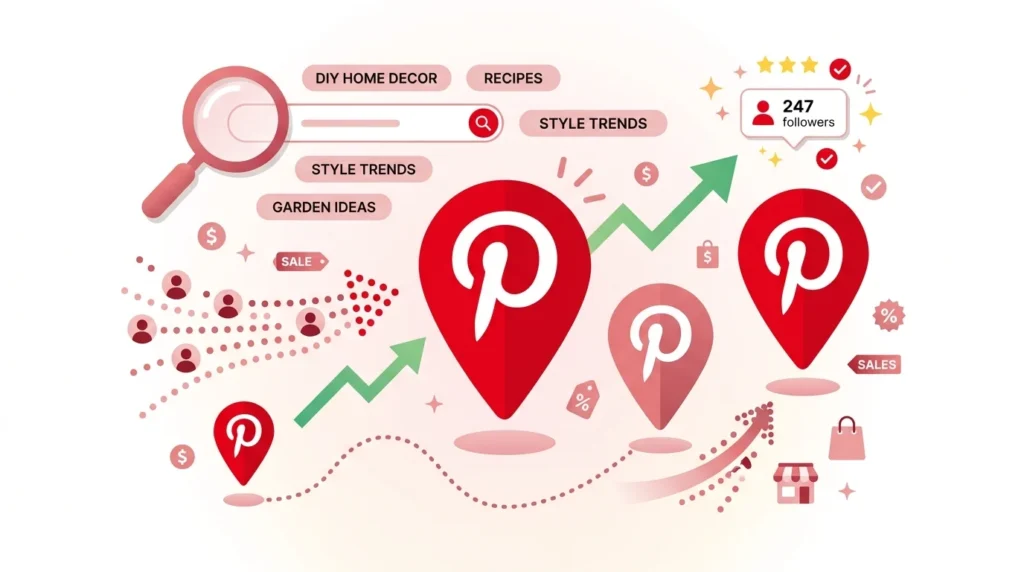
Pinterest works differently. It’s not a social network—it’s a visual search engine. People use Pinterest to find ideas, solutions, and products, not to follow influencers. This fundamental difference means small accounts can generate substantial traffic immediately if they understand how Pinterest’s search-driven algorithm works.
You don’t need 10,000 followers to succeed on Pinterest. You need good content optimized for search and targeted at evergreen niches where people actively look for solutions. This guide explains exactly which business models thrive on Pinterest without large followings and how to implement them effectively.
Affiliate disclosure: This post contains affiliate links. If you make a purchase through one of these links, ProBusinessStrategy may earn a small commission at no extra cost to you. We only recommend tools we genuinely believe in.
Why Pinterest Favors Small Accounts
Traditional social media rewards existing popularity. Large accounts get more visibility, which generates more followers, which generates more visibility—a cycle that makes breaking through difficult for newcomers.
Pinterest’s algorithm cares more about content relevance than account size. When someone searches “home office ideas,” Pinterest shows the most relevant pins regardless of whether they’re from accounts with 100 or 100,000 followers.
This creates massive opportunity. A brand new account posting high-quality, search-optimized pins can outperform established accounts posting mediocre content. The playing field is remarkably level compared to Instagram, TikTok, or YouTube.
The Search Intent Advantage
Pinterest users have high intent. They’re actively looking for solutions, not passively scrolling for entertainment. When someone searches “budget meal prep ideas,” they want actionable content they can implement. If your pin delivers that, they click through to your website or save it for later—both actions Pinterest rewards with increased visibility.
This search intent makes Pinterest traffic highly valuable. Visitors arrive looking for what you offer rather than stumbling across content randomly. That intent translates to better conversion rates whether you’re building an audience, selling products, or driving affiliate income.
Evergreen Content Compounds
Social media posts have short lifespans. A TikTok video peaks within days. Instagram posts become invisible within hours. Pinterest pins continue generating traffic for months or years because they appear in ongoing search results.
Create 100 quality pins optimized for evergreen topics, and they work for you indefinitely. That compounding effect means your effort today generates returns long-term, making Pinterest especially powerful for small accounts that can’t produce daily content.
Best Pinterest Business Models for Small Accounts
Certain business models align perfectly with Pinterest’s search-driven nature and work well even with minimal followers.
Niche Blogs Monetized Through Ads and Affiliates
Pinterest drives traffic to blogs better than almost any platform. If you create content around popular search topics, Pinterest can become your primary traffic source within months.
Strong blog niches for Pinterest:
Home organization and decluttering
Budget-friendly recipes and meal planning
DIY home improvement and decor
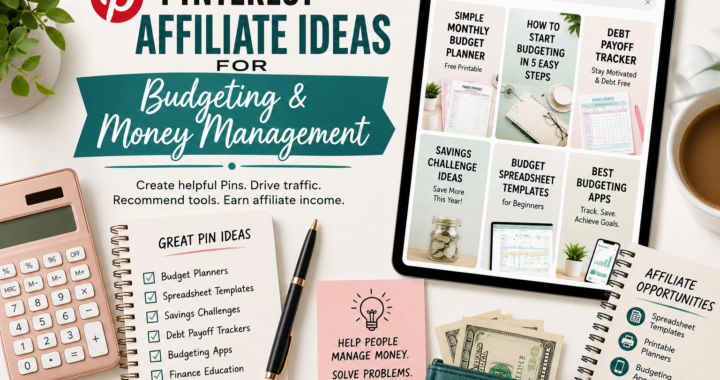
Personal finance and money-saving tips
Productivity systems and planning
Parenting hacks and family activities
Fitness routines and wellness
Build your blog on WordPress with fast hosting through Bluehost, then create pins linking to each blog post. Monetize through display ads (Mediavine, AdThrive once you hit traffic thresholds) and affiliate links within your content.
The formula is straightforward: write helpful blog posts, create eye-catching pins, optimize for Pinterest search, and repeat. Traffic grows as your pin library expands.
Print-on-Demand Products
Pinterest users love discovering unique products, especially in home decor, fashion accessories, and personalized gifts. Print-on-demand lets you sell these products without inventory, upfront costs, or shipping logistics.
Create designs for:
T-shirts and apparel
Mugs and drinkware
Wall art and posters
Phone cases and tech accessories
Tote bags and home textiles
Use services like Printful that integrate with Shopify to handle production and fulfillment automatically. You design products and create pins showcasing them. When someone buys, Printful produces and ships the item directly to your customer.
Pinterest traffic converts well for products because users are in discovery mode, actively looking for items that match their style or solve specific problems. A well-designed pin appearing in relevant searches can generate sales from day one, regardless of follower count.
Digital Products and Templates
Pinterest users constantly search for tools that make life easier—planners, budgeting spreadsheets, meal planning templates, social media calendars, resume templates, checklists, and guides.
Create digital products once and sell them repeatedly with zero additional production cost. Popular categories include:
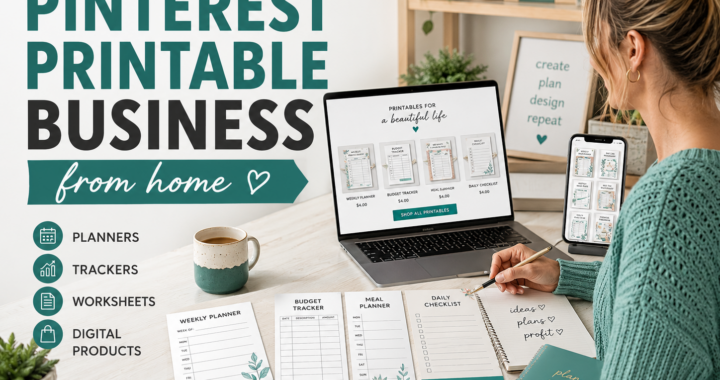
Printable planners and organizers
Canva template bundles
Excel budget and finance trackers
Educational workbooks and guides
Business systems and SOPs
Recipe collections and meal plans
Host these products on your WordPress site using e-commerce plugins or platforms like Gumroad and Etsy. Create multiple pins for each product targeting different search terms and use cases.
A single digital product can generate income for years through Pinterest traffic, making this an ideal model for solopreneurs who want to build once and profit repeatedly.
Affiliate Marketing Through Resource Pages
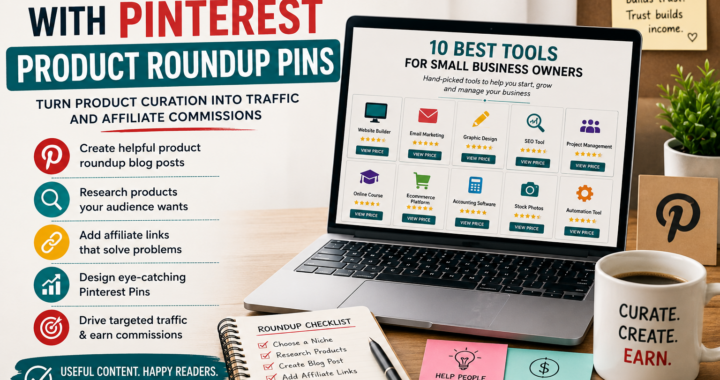
Build simple websites that curate and recommend products in specific niches. Each page targets evergreen searches and includes affiliate links to recommended products.
Effective affiliate niches on Pinterest:
Kitchen gadgets and cooking tools
Home office furniture and productivity gear
Fitness equipment and workout essentials
Baby products and parenting tools
Craft supplies and DIY materials
Fashion and beauty recommendations
Create detailed “best of” guides and comparison posts, then design pins driving traffic to these resources. You earn commissions when visitors purchase recommended products without needing to create or ship anything yourself.
Online Courses and Coaching
If you have expertise in topics people search for on Pinterest, you can drive course enrollments and coaching clients through the platform.
In-demand course topics on Pinterest:
Photography and creative skills
Business and marketing strategies
Health and fitness programs
Productivity and organization systems
Craft and DIY techniques
Financial planning and investing
Create free blog content or lead magnets addressing common questions in your niche. Use Pinterest to drive traffic to these resources, then convert visitors into course students or coaching clients through email sequences.
How to Optimize Content for Pinterest Search
Success on Pinterest comes down to understanding how its search algorithm works and optimizing accordingly.
Keyword Research is Everything
Pinterest functions like Google—it matches search queries to relevant content using keywords. Before creating pins, research what people actually search for.
Use Pinterest’s search bar. Start typing a topic and note the autocomplete suggestions—these are popular searches. Type “meal prep” and you’ll see “meal prep for the week,” “meal prep ideas healthy,” “meal prep recipes easy.”
Each of these represents a search term you can target. The more specific you get, the less competition you face while still reaching motivated searchers.
Pinterest Trends (available in business accounts) shows search volume over time, helping you identify evergreen topics versus seasonal trends. Target mainly evergreen searches for consistent long-term traffic.
Pin Titles and Descriptions Must Include Keywords
Your pin title and description tell Pinterest what your content is about. Include your target keyword naturally in both.
Instead of: “Check out this amazing recipe!”
Use: “Easy Meal Prep Recipes for Busy Weeknights (30 Minutes)”
The second version tells Pinterest (and users) exactly what the pin offers and includes searchable keywords. It will appear in relevant searches; the first won’t.
Front-load keywords in titles and descriptions so they appear even when text gets truncated in search results.
Design Pins That Stop the Scroll
Pinterest is visual. Your pin design determines whether people click or keep scrolling. Effective pins share common characteristics:
Vertical format: 1000×1500 pixels (2:3 ratio) performs best
Clear focal point: One main image or message, not cluttered compositions
Readable text overlay: Large, high-contrast text explaining the value
Brand consistency: Use consistent fonts, colors, and styles across your pins
If design isn’t your strength, hire affordable designers on Fiverr to create pin templates you can customize. Investment in quality design pays off through higher click-through rates.
Create Multiple Pins Per Piece of Content
Don’t create one pin per blog post or product. Create 5-10 variations targeting different keywords and visual styles.
For a blog post about “budget meal planning,” you might create pins for:
“Budget meal planning for families”
“Meal planning on $50 per week”
“Easy meal prep for busy moms”
“How to meal plan and save money”
Each targets slightly different searches, multiplying your chances of being discovered. Test different designs and headlines to see what resonates with your audience.
Building Your Pinterest Strategy
Here’s a practical implementation plan for small accounts:
Week 1: Foundation
Convert to a Pinterest business account (free) to access analytics and advertising features. Connect your website to verify ownership. Create 5-10 boards organized around your niche topics using keyword-rich titles and descriptions.
Week 2-4: Content Creation
Create your first 30-50 pins linking to your website, products, or affiliate content. Focus on quality and keyword optimization. Use a tool like Canva for design consistency.
Schedule pins using Pinterest’s native scheduler or tools like Tailwind. Aim for 5-10 pins daily spread throughout the day. Consistency matters more than volume.
Month 2-3: Expansion and Optimization
Continue adding 10-15 new pins weekly while monitoring analytics. Identify which pins generate the most impressions, saves, and clicks. Create more variations of your best performers.
Join relevant group boards in your niche to expand reach. Contribute valuable pins to these communities while following board rules.
Month 4+: Scaling
By month four, you should see traffic patterns emerging. Double down on what works—topics, pin styles, posting times. Expand successful topics with more content and pins.
Consider Pinterest ads to amplify top-performing pins. Even small budgets ($5-10 daily) can significantly boost visibility for new accounts when targeting the right keywords.
Realistic Expectations and Timeline
Pinterest isn’t a “get rich quick” platform, but growth is predictable with consistent effort.
Months 1-3: You’re building foundation. Traffic will be modest—maybe a few hundred monthly visitors from Pinterest. Don’t get discouraged. You’re creating assets that compound over time.
Months 4-6: Traffic typically accelerates. Accounts posting quality content regularly often hit 1,000-5,000 monthly website visitors from Pinterest during this phase.
Months 7-12: With a library of 200+ optimized pins, 10,000-50,000 monthly visitors becomes realistic for accounts in good niches posting consistently.
Beyond Year 1: Pinterest can become your primary traffic source, driving hundreds of thousands of monthly visitors if you maintain consistency and continue optimizing based on data.
These timelines assume regular posting (5-10 pins daily), quality content, and proper optimization. Sporadic posting or poorly optimized pins will see slower growth.
Common Mistakes to Avoid
Posting Only to Your Own Boards
While your own boards are important, participating in group boards and community boards expands reach significantly, especially early on.
Ignoring Analytics
Pinterest provides detailed data on what’s working. Check analytics weekly and adjust strategy based on what actually performs rather than what you think should work.
Over-Promoting
Pinterest users want helpful content, not constant sales pitches. Follow the 80/20 rule—80% valuable, educational content and 20% promotional. This builds trust and actually converts better than aggressive selling.
Neglecting SEO Basics
Pinterest is a search engine. Treating it like Instagram (where aesthetics trump keywords) will limit your reach. Always optimize for search first, aesthetics second.
Giving Up Too Early
Most people quit Pinterest before seeing results. Three months of daily pinning feels long when you’re not seeing traffic yet. Push through—month four often brings the breakthrough that makes the previous effort worthwhile.
Getting Started This Week
Pick one business model from this guide—probably the one closest to skills or interests you already have. Set up your Pinterest business account, create five boards around your niche topics, and design your first ten pins.
Don’t wait for perfect. Start with what you can create now and improve as you learn what your audience responds to. Pinterest rewards consistency and experimentation more than perfection.
The beauty of Pinterest for small accounts is that effort compounds. Every quality pin you create today continues working for you indefinitely, building a traffic engine that eventually runs largely on autopilot.
Internal Linking
Related Articles: