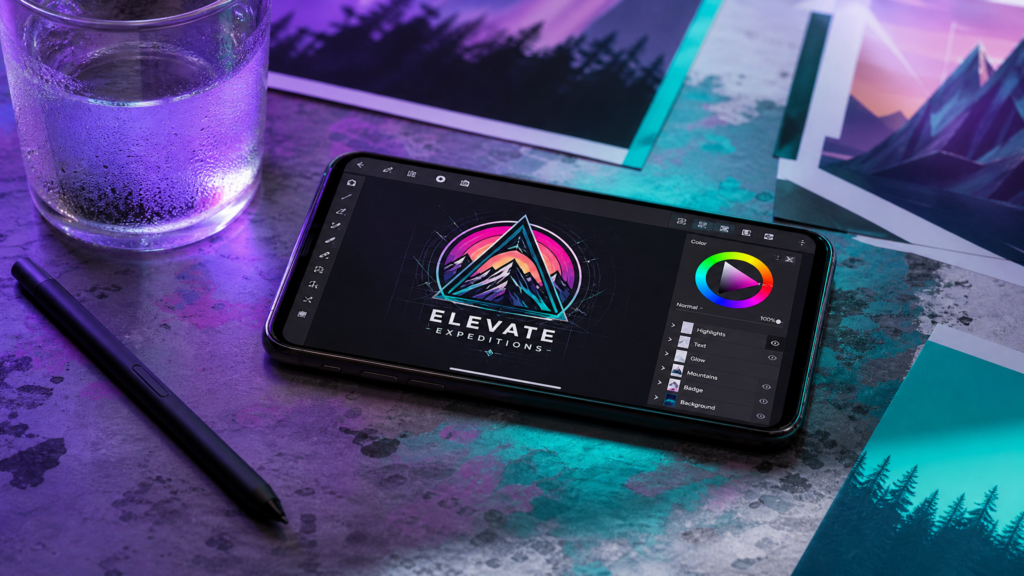
Create Professional Visuals Without a Desktop in 2026
For years, the world of graphic design was reserved for those with expensive desktop computers, high-end software like Adobe Photoshop, and complex drawing tablets.
In 2026, the power of a professional design studio is now in the palm of your hand.
Smartphone screens have become sharper, processors have become faster, and design apps have evolved to a point where you can create professional-grade visuals in minutes—not hours. Whether you are building a brand, managing social media, or creating client assets, your phone is now a legitimate design tool.
In this guide, we’ll show you how to master graphic design on your smartphone and the exact tools you need to get pro results.
Affiliate disclosure: This post contains affiliate links. If you make a purchase through one of these links, ProBusinessStrategy may earn a small commission at no extra cost to you. We only recommend tools we genuinely believe in.
Why Smartphone Design is the Future for Entrepreneurs
Designing on a phone isn’t just about “convenience.” In 2026, it’s about speed and distribution.
Instant Social Sharing: You design where you post (Instagram, Pinterest, TikTok).
AI-Powered Tools: Mobile design apps now use advanced AI to remove backgrounds, suggest layouts, and generate elements instantly.
Micro-Tasks: You can finalize a client’s logo while waiting for a coffee.
Direct Collaboration: Most mobile design apps allow you to share a link with a client for instant feedback.
The Best Mobile Design Apps for 2026
To design on a phone, you need more than just one app. You need a “stack.”
1. Canva Mobile: The All-in-One Powerhouse
Canva remains the leader for most mobile designers. Their 2026 app is incredibly smooth, offering thousands of templates and an AI “Magic Studio” that can turn a simple prompt into a full design.
Best for: Social media posts, flyers, and branding kits.
2. Adobe Express: For High-End Quality
If you need that “Adobe polish” without the complexity of Photoshop, Adobe Express is unbeatable. It offers professional font libraries and one-tap background removal.
Best for: Professional branding and polished marketing materials.
3. Phonto: For Precision Typography
When you need to add text to images with pixel-perfect precision, Phonto is a secret weapon for mobile designers. It allows you to upload your own custom fonts (.otf or .ttf).
Best for: Overlays and text-heavy Pinterest pins.
4. Procreate Pocket: For Hand-Drawn Elements
For the artists who want to draw directly on their screen, the pocket version of Procreate offers almost all the power of the iPad version.
Best for: Custom illustrations and hand-drawn logos.
5 Steps to Professional Smartphone Design
Don’t just open an app and start clicking. Follow this professional workflow:
Step 1: Start with a Clean Canvas
Always choose the right dimensions before you start. Use 1080×1350 for Instagram portraits or 1000×1500 for Pinterest. Starting with the wrong size will lead to blurry images later.
Step 2: Use High-Quality Imagery
A great design starts with a great photo. Use professional stock photos or high-res images from your own camera.
(Refer to our guide: Mastering Mobile Productivity for tips on organizing your mobile assets).
Step 3: Stick to a Brand Palette
Don’t use 10 different colors. Pick 2–3 main colors and stay consistent. Professionalism comes from consistency, not complexity.
Step 4: Focus on Typography
Text is usually the most important part of a design. Make sure it is:
Readable: High contrast between text and background.
Aligned: Use the “Grid” tools in your app to align elements.
Minimal: Don’t crowd the screen with too many fonts.
Step 5: Export in High Resolution
Always export as a PNG for digital use or PDF Print for physical items. Never use low-quality JPGs if you want to look professional.
How to Monetize Your Smartphone Design Skills
Once you can design on your phone, you have a marketable skill that you can sell immediately.
Offer “Micro-Design” Services: Sell YouTube thumbnails or Pinterest pins on platforms like Fiverr or Upwork.
Social Media Management: Manage a client’s Instagram and design all their daily content.
Sell Digital Templates: Create custom Canva templates and sell them on Etsy.
Local Business Branding: Offer to design menus or flyers for local businesses in your city.
Is Smartphone Design Truly “Professional”?
There is a common myth that “serious” design requires a desktop.
While massive, complex magazine layouts or 3D modeling still favor high-end PCs, 80% of what businesses need today can be done on a smartphone.
In 2026, the “best” tool is the one that allows you to execute an idea the fastest. For most modern entrepreneurs, that tool is in your pocket.



