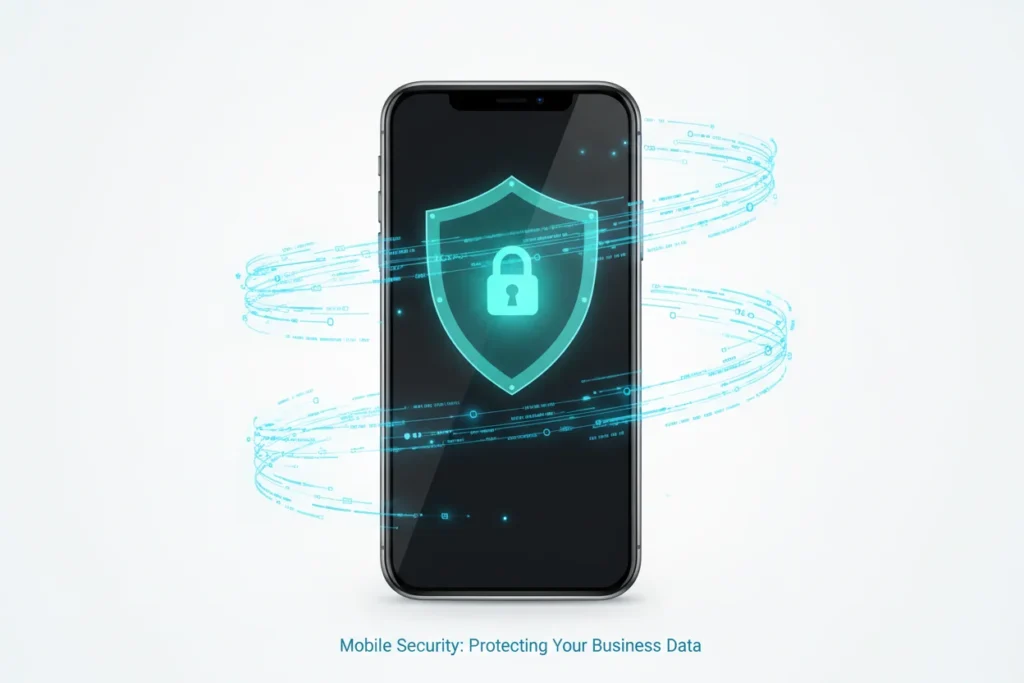
If you are running a Mobile Business Empire, your smartphone is no longer just a phone. It is your filing cabinet, your bank vault, and your client database all rolled into one.
In 2026, cyber threats have evolved. Hackers aren’t just looking for your personal photos; they are looking for your E-commerce login credentials, your client’s private data, and your crypto keys. A single security breach could end your business before it truly starts.
In this guide, we break down the non-negotiable security steps every mobile entrepreneur must take to stay safe.
Affiliate disclosure: This post contains affiliate links. If you make a purchase through one of these links, ProBusinessStrategy may earn a small commission at no extra cost to you. We only recommend tools we genuinely believe in.
1. Physical Security: The First Line of Defense
The biggest threat to your mobile business isn’t always a hacker in a dark room—it’s losing your phone in a taxi or having it stolen at a cafe.
Mandatory Steps:
- Biometric Locks: Always use FaceID or Fingerprint sensors combined with a strong 6-digit (or longer) passcode. Never use “1234” or your birth year.
- Find My Device: Ensure “Find My iPhone” or Google’s “Find My Device” is active. Test the “Remote Wipe” feature so you know how to erase your data from a distance if the phone is stolen.
- Privacy Screens: If you work in public spaces, use a tempered glass privacy filter so people sitting next to you can’t see your Lead Generation contacts.
2. Secure Your Connections (The VPN Rule)
Public Wi-Fi at airports and coffee shops is a Playground for hackers. They can use “man-in-the-middle” attacks to see exactly what you are typing—including your passwords.
The Solution:
Never log into your bank or your business dashboard without a VPN (Virtual Private Network). In 2026, a VPN is not optional; it is a basic business cost.
👉 Get Our Recommended Mobile VPN (Voeg hier je ThirstyAffiliates link toe, bijv. naar NordVPN of ExpressVPN)
3. Two-Factor Authentication (2FA): The Unbreakable Lock
If a hacker steals your password, 2FA is the only thing that stops them from entering your accounts.
Avoid SMS-based 2FA if possible (as “SIM-swapping” is a common scam in 2026). Instead, use an authenticator app:
- Google Authenticator
- Authy
- Microsoft Authenticator
Set this up for your email, your Shopify/Etsy store, and your Business Automation Apps.
4. Software Hygiene
Your phone is only as secure as its latest update.
- OS Updates: Install iOS or Android updates immediately. They often contain critical “zero-day” security patches.
- App Audit: Every 30 days, delete apps you aren’t using. Every app is a potential “backdoor” into your device.
- Official Stores Only: Never “sideload” apps from third-party websites. Only use the Apple App Store or Google Play Store.
5. Protecting Your Identity (The Reality Check)
Scams in 2026 often involve “Social Engineering”—people pretending to be from your bank or a tech support team.
Always remember: No legitimate company will ever ask for your password via a text message or a phone call. As we discuss in our Reality Check Guide, professional success involves professional caution.
The Mobile Security Checklist for Entrepreneurs
- 6-digit passcode + Biometrics enabled.
- 2FA enabled on all business accounts.
- VPN installed and active on public Wi-Fi.
- Automatic cloud backups (iCloud/Google One) active.
- Encrypted messaging (Signal/WhatsApp/Telegram) used for client talk.
Conclusion: Security is Peace of Mind
Protecting your data might seem like a chore, but it is what allows you to scale your business with confidence. When you know your assets are secure, you can focus on what really matters: growth.
If you are choosing between a new phone or staying secure, remember that a Budget Smartphone that is secure is better than a flagship that is compromised.