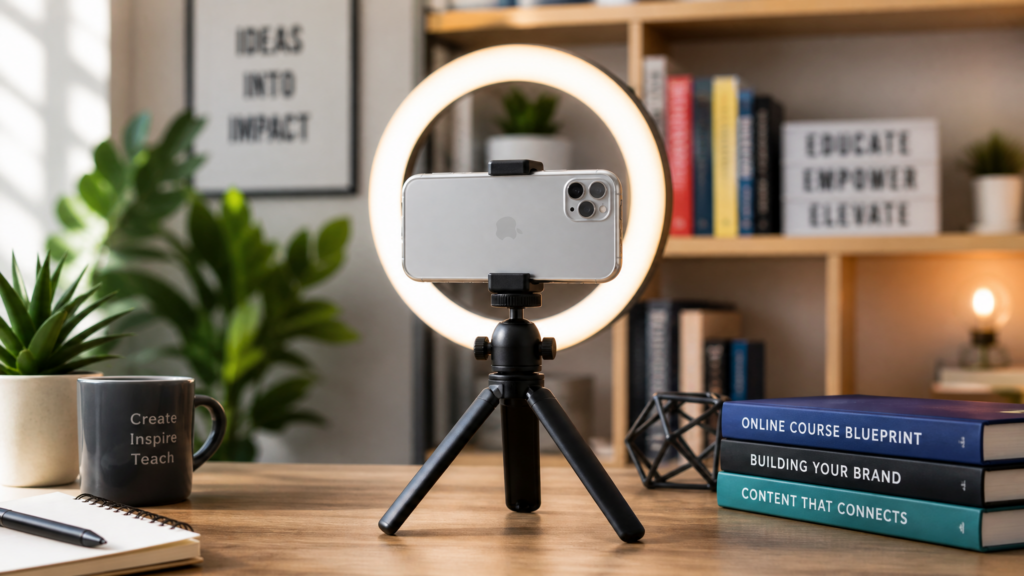
Turning Your Expertise into a Scalable Digital Product
The “Knowledge Economy” is booming in 2026. No longer do you need a film crew, a studio, and a $5,000 camera to create a successful online course. Today’s audience values authenticity, speed, and direct value over high-end cinematic production.
In fact, some of the most successful courses in 2026 are filmed entirely on a smartphone. Why? Because it’s relatable. It shows the student that they can achieve results with the tools they already have. This guide will show you how to plan, film, and launch your own online course using nothing but your phone.
Affiliate disclosure: This post contains affiliate links. If you make a purchase through one of these links, ProBusinessStrategy may earn a small commission at no extra cost to you. We only recommend tools we genuinely believe in.
Step 1: The “Micro-Course” Strategy
Don’t start with a massive 20-hour flagship course. In 2026, attention spans are short. The most profitable model is the Micro-Course:
Format: 5 to 10 videos.
Length: 3 to 7 minutes per video.
Goal: Solve one very specific problem (e.g., “How to set up your first Shopify store in 60 minutes”).
Price: $47 – $97.
Step 2: The Mobile Production Studio
Your smartphone is a high-definition production suite. Here is how to use it:
Filming:
Rear Camera only: Never use the selfie camera for course content; the quality is always lower.
Lighting: Stand in front of a window during the day. Natural light is better than cheap LED lamps.
Audio: This is the most important part. Use your wired or wireless earbuds to get a clear mic sound close to your mouth.
Editing:
CapCut: The world leader for mobile video editing in 2026. It has everything you need: captions, transitions, and background music.
Canva Mobile: Use this to create your course “slides” or thumbnails.
Step 3: Hosting and Selling (Zero Tech Stress)
You don’t need to build a website from scratch. Use platforms that are designed for mobile creators:
Stan Store: The ultimate “Link in Bio” tool for course sellers. It handles the payment, the hosting, and the delivery of the course files automatically.
Teachable / Thinkific Mobile: Great if you want a more traditional school-style platform.
Gumroad: A simple way to sell digital downloads and video series without a monthly fee (they just take a small percentage of each sale).
Step 4: Marketing Your Course
You already have the best marketing tool in your hand: Social Media.
The “Trailer” Strategy: Post 15-second “tips” on TikTok and Reels. At the end, say: “I go deep on this in my full course. Link in bio.”
The Waiting List: Before the course is even finished, tell people it’s coming. Offer a “Early Bird” discount to the first 10 people who sign up.
Final Thoughts: Ownership is Wealth
While freelancing is great for immediate cash, creating digital products is how you build long-term wealth. Every hour you spend creating a course is an investment that can pay you back for years. Your smartphone isn’t just a communication tool; it is a factory for digital assets.
🔗 Related Phone Business Guides:
The Strategy: How to Offer Consulting Services from Your Smartphone
Writing Your Curriculum: How to Become a Freelance Copywriter from Your Phone
Marketing Skills: How to Start a Local Marketing Agency with No Experience
Management: How to Manage Your Entire Business from a Smartphone
👉 Ready to launch your first course?
Find the experts and tools to help you brand and market your online course: Grow Your Course Business on Fiverr



