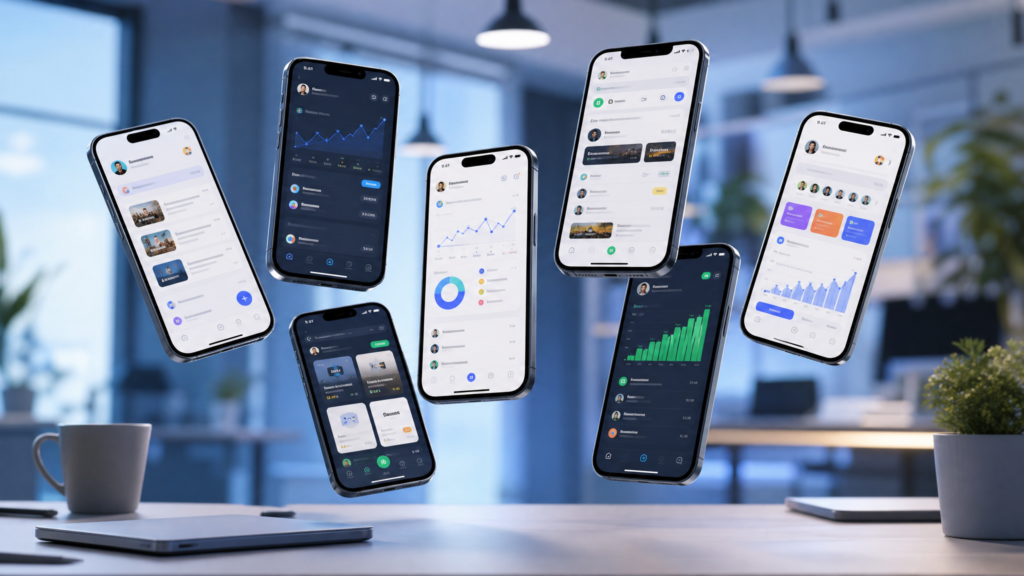
Your Global Marketplace in the Palm of Your Hand
In the past, freelancing meant being tethered to a desk. You needed a powerful computer just to browse jobs, let alone apply for them and manage clients.
In 2026, the “Desktop-First” era of freelancing is officially over.
The world’s largest talent marketplaces have pivoted to mobile-first ecosystems. This means you can now:
Browse thousands of high-paying gigs
Pitch clients via mobile apps
Manage milestones and deadlines
Receive global payments
…all while you are on the move.
Whether you are a writer, a designer, a virtual assistant, or a consultant, your smartphone is now your most powerful tool for finding work.
In this guide, we break down the absolute best freelance platforms that are fully optimized for smartphone users in 2026.
Affiliate disclosure: This post contains affiliate links. If you make a purchase through one of these links, ProBusinessStrategy may earn a small commission at no extra cost to you. We only recommend tools we genuinely believe in.
Why Mobile-Friendly Platforms Matter
Not every freelance site is built equal. Some are still clunky on small screens, making it impossible to submit professional proposals.
The platforms listed below have invested heavily in:
High-performance mobile apps
Real-time push notifications (never miss a client message)
In-app contract management
Secure mobile payment processing
If you want to build a business from your phone, these are the platforms where you should spend your time.
1. Upwork: The Heavyweight for Long-Term Contracts
Upwork remains the gold standard for freelancers seeking professional, long-term relationships. Their 2026 mobile app is a powerhouse.
Why it’s great for phone users:
Project Catalog: You can create “pre-packaged” services that clients can buy instantly—similar to Fiverr.
Client Messaging: Fast, Slack-like interface for real-time communication.
Apply on the Go: You can easily attach portfolio items directly from your Google Drive or iCloud.
Best for:
Writers, developers, and administrative professionals who want stable, high-paying hourly or fixed-price contracts.
2. Fiverr: The “Productized Service” King
Fiverr is perfect for phone-based business because it flips the script: instead of applying for jobs, you create “Gigs” that clients buy.
Why it’s great for phone users:
Order Management: The app layout is incredibly intuitive for tracking active orders.
Buyer Requests: You can quickly respond to custom requests from your phone.
Seller Levels: Easy to track your progress toward “Top Rated Seller” status.
Best for:
Graphic designers, voice-over artists, and social media managers.
Check out our guide: How to Become a Freelance Writer Using Just Your Smartphone to see what services you can offer on Fiverr today.
3. Freelancer.com: The Contest Specialist
Freelancer.com is known for its “Contests,” which are great for visual artists and designers to showcase their skills and win quick cash.
Why it’s great for phone users:
Instant Bidding: Their bidding system is highly optimized for quick mobile entry.
Milestone Tracking: Very clear mobile notifications when money is released.
Best for:
Logo designers and technical writers.
4. PeoplePerHour: The European Powerhouse
If you are looking for European or UK-based clients, PeoplePerHour is a must. They focus heavily on high-quality small business clients.
Why it’s great for phone users:
WorkStream: A central hub in the app where all communication and files live.
Location Filtering: Great for finding clients in specific time zones.
Best for:
SEO specialists and marketing consultants.
5. Toptal: For High-End Professionals
Toptal is exclusive. They only accept the top 3% of freelancers. If you pass their screening, the pay is significantly higher than other platforms.
Why it’s great for phone users:
Curated Matches: Instead of fighting for jobs, Toptal matches you with clients. You can manage these high-end matches entirely via the app.
Best for:
Senior-level developers, finance experts, and project managers.
6. Guru: Built for Transparency
Guru has a long history in the freelance world and is known for its “SafePay” system, which ensures both parties are protected.
Why it’s great for phone users:
Workrooms: Collaborative spaces that are surprisingly easy to navigate on mobile.
Best for:
Legal, architecture, and administrative services.
7. FlexJobs: The Scam-Free Alternative
FlexJobs is a subscription-based platform. You pay a small fee to access a curated list of high-quality, remote jobs that are hand-screened.
Why it’s great for phone users:
Clean Interface: No ads, no spam, just pure job listings that look great on a smartphone.
Best for:
Full-time or part-time remote roles (not just “gigs”).
How to Win More Gigs Using Only Your Phone
Finding the platform is only half the battle. You have to win the work.
1. Speed Is Your Secret Weapon
Clients often hire the first qualified person who responds. With push notifications enabled, your phone allows you to respond in seconds, while your competition is still sleeping or away from their desks.
2. Use a Mobile-Optimized Portfolio
Host your work on Notion or a simple Google Drive folder. When applying for jobs on your phone, you just paste a link instead of fumbling with large file uploads.
3. Professionalism on Autopilot
Use the 10 Business Automation Apps we covered previously to send professional invoices and follow-ups instantly from your mobile dashboard.
Which Platform Should You Choose?
If you are a total beginner: Start with Fiverr or Upwork.
If you want “set it and forget it” services: Go with Fiverr.
If you want a vertical career path: Choose Upwork or Toptal.
If you want stable remote work: Check FlexJobs.
Final Thoughts
The barrier to entry for freelancing has never been lower. You don’t need an office. You don’t need a laptop. You just need a platform that fits your skills and the discipline to manage it from your phone.
Start by setting up a profile on two platforms today. Don’t wait until you have the “perfect” setup—the work is out there right now, waiting for someone to claim it.
Next Steps



