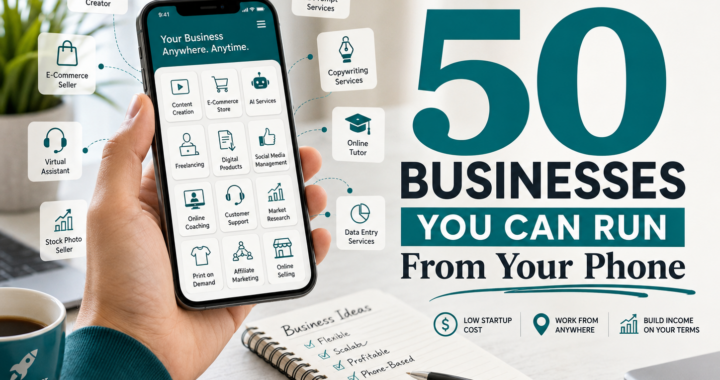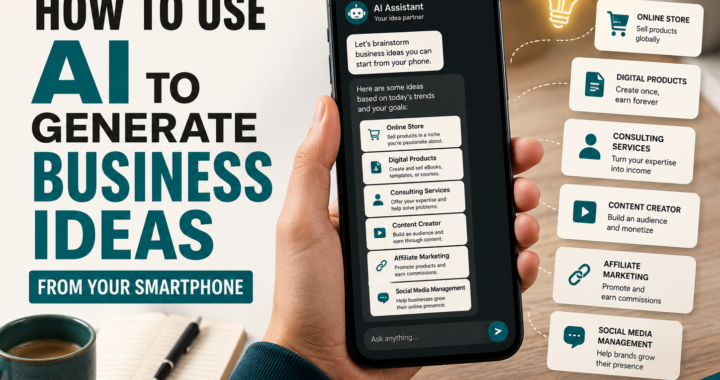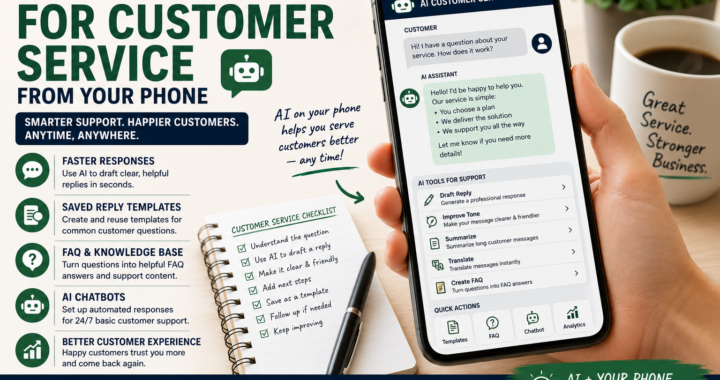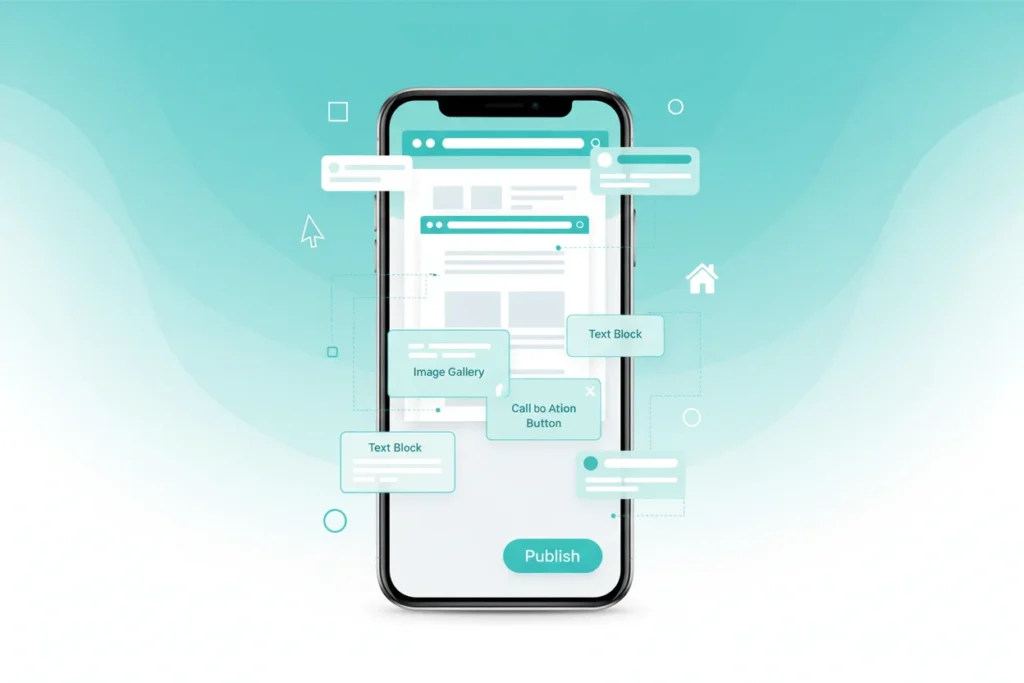
The year is 2026, and the “laptop requirement” for web design is officially dead.
If you are following the ProBusinessStrategy Blueprint, you know that speed is your greatest advantage. Waiting until you are in front of a computer to update your site or launch a landing page is a mistake. Whether you are at a cafe, on a train, or waiting in line, you have a world-class web design studio in your pocket.
In this guide, we show you exactly how to build, launch, and manage a professional website without ever touching a keyboard.
Affiliate disclosure: This post contains affiliate links. If you make a purchase through one of these links, ProBusinessStrategy may earn a small commission at no extra cost to you. We only recommend tools we genuinely believe in.
1. Choose Your “Mobile-First” Platform
Not all website builders are created equal. Some are “mobile-responsive” (they look good on phones), but very few are “mobile-native” (they are easy to build on phones). For a true Mobile Business Setup, choose one of these three:
A. Shopify Mobile (For E-commerce)
If you are selling physical or digital products, Shopify’s mobile app is the gold standard. You can add products, customize your theme, and manage Mobile E-commerce Orders entirely through the app.
👉 Start Your Shopify Store for $1
B. Wix / Editor X (For Service Businesses)
Wix has invested heavily in their mobile creation suite. Their AI-builder asks you a few questions about your business and generates a complete site structure in seconds, which you can then tweak using touch controls.
C. Carrd (For Simple Landing Pages)
If you just need a professional “Link in Bio” or a single-page site to Generate Leads, Carrd is the fastest and cheapest option. It is incredibly lightweight and easy to edit on a small screen.
2. Step-by-Step: Building from Your Screen
Step 1: Secure Your Domain
Use an app like Namecheap or Google Domains to buy your .com. Avoid long, complex names. Keep it professional and related to your niche.
Step 2: Leverage AI for Assets
Don’t struggle with mobile Photoshop. Use Kittl or Adobe Express to create your logo and header images. These apps are designed for touch screens and deliver “Pro” results in minutes. (Check our Automation App List for more tools).
Step 3: Architecture and Content
Use your phone’s voice-to-text feature to “write” your copy. It’s faster than typing and often sounds more natural and conversational—perfect for a modern blog or service page.
3. SEO Optimization on the Go
In 2026, Google prioritizes mobile-first indexing. Since you are building on a mobile device, you already have an advantage: you are seeing exactly what your users see.
Mobile SEO Checklist:
- Loading Speed: Keep images small. Use WebP formats.
- Button Size: Ensure every call-to-action (CTA) is “thumb-friendly.”
- Clear Navigation: Avoid complex drop-down menus; keep it simple.
4. The “Security” Check
As you build your site, you are handling sensitive data. Ensure you are using a Secure VPN Connection while editing your site in public, and always enable Two-Factor Authentication (2FA) on your hosting and domain accounts.
5. Launch and Iterate (The Reality Check)
Perfection is the enemy of profit. As we emphasize in our Reality Check Guide, your first version doesn’t need to be perfect; it needs to be live. Build a “Minimum Viable Website,” get it online, and use your phone to make small daily improvements as you grow.
Conclusion: Your Pocket is Your Headquarters
Building a website from a phone isn’t just a “hack”—it’s a lifestyle choice that gives you total freedom. In 2026, the entrepreneurs who win are the ones who can act instantly.
Are you ready to launch? If you have questions about which builder is right for your specific idea, leave a comment below!