Pinterest is not a social media platform in the traditional sense. It’s a visual search engine—and that single difference is exactly why Pinterest is one of the most powerful affiliate marketing channels you can run entirely from your smartphone in 2026.
On most platforms, your post is “alive” for a day. On Pinterest, a well-optimized Pin can generate clicks for months. That makes it perfect for mobile entrepreneurs who want evergreen, compounding traffic without needing a laptop, expensive camera gear, or daily posting pressure.
This guide walks you through a complete, phone-first Pinterest affiliate system:
what you can promote (and what to avoid)
how to build boards that rank
how to create Pins on your phone that actually get clicks
how to link safely (so you don’t risk your account)
how to track performance and scale the winners
And at the end, I’ll show you how to connect Pinterest with your short-form content strategy (TikTok/IG) so everything supports each other.
Affiliate disclosure: This post contains affiliate links. If you make a purchase through one of these links, ProBusinessStrategy may earn a small commission at no extra cost to you. We only recommend tools we genuinely believe in.
The Pinterest affiliate model (simple + scalable)
Here’s the clean business model you’re building:
Pinterest Pin targets a keyword (a real search phrase)
Pin sends traffic to a helpful article on your website
Article contains:
affiliate recommendations (naturally placed)
internal links to your best related guides
optional email capture (for long-term value)
This is the safest long-term structure because:
Pinterest prefers sending users to helpful pages (not raw affiliate links)
your site becomes the central asset (not your Pinterest account)
you can monetize the same article with multiple offers over time
Step 1: Set up Pinterest correctly (from your phone)
Convert to a business account
In the Pinterest app:
Settings → Account management → Convert to business
This unlocks analytics and helps Pinterest understand your content category.
Profile optimization (Pinterest SEO basics)
Pinterest uses your profile like a mini “category signal.”
Name field: include a keyword
Example:
“Pro Business Strategy | Phone Business & Affiliate Marketing”
Bio field: 1–2 sentences with keywords
Example:
“I teach phone-based business systems: affiliate marketing, content workflows, and mobile tools to earn online in 2026.”
Claim your website (important)
If possible, claim probusinessstrategy.com in Pinterest settings. It improves distribution + attribution.
Step 2: Pick an affiliate angle that fits Pinterest (and converts)
Pinterest content converts best when it feels like:
a plan
a checklist
a comparison
a template
a “how to” system
Affiliate niches that consistently work on Pinterest:
productivity + business tools
beginner business systems
digital products (courses, templates, software)
budgeting / money organization
simple “start here” roadmaps
If your website focuses on phone business, Pinterest can become the top-of-funnel traffic engine that feeds your deeper guides.
Step 3: Follow the rules (so you don’t get flagged)
Pinterest is stricter than people think. Your goal is to monetize without tripping spam systems.
Use a “bridge page” (recommended)
Instead of pinning direct affiliate links, pin to your article and include affiliate links inside the article.
This is:
more compliant
better for conversions (because you build trust first)
easier to optimize and track
Always disclose affiliate relationships
On your article, include a short disclosure near the top, for example:
“Some links in this post are affiliate links. If you buy through them, I may earn a commission at no extra cost to you.”
Step 4: Mobile keyword research (Pinterest search → your content plan)
Pinterest SEO starts with what people type into the search bar.
Phone-only keyword workflow (5 minutes)
Open Pinterest app
Tap search
Type your core topic, e.g.:
“affiliate marketing”
“pinterest affiliate”
“make money online”
“work from phone”
Note the autocomplete phrases (those are real demand signals)
Tap a phrase and look at the “bubble” refinements (extra keyword ideas)
You’re looking for “problem + solution” searches like:
“affiliate marketing for beginners”
“affiliate marketing checklist”
“how to create pins”
“pinterest seo tips”
“how to promote links”
Pick 3 keyword tiers for every article
For each article, decide:
Primary keyword: exact core phrase
Secondary keywords: close variations
Content intent: beginner / comparison / checklist / tutorial
This makes your pins + article copy align perfectly.
Step 5: Board strategy that ranks (and stays organized)
Boards are Pinterest’s “site structure.” Think of them like categories.
Build 5–8 focused boards (start small)
Examples (for your site theme):
Phone Business Basics
Affiliate Marketing From Your Phone
Mobile Content Creation
Digital Products & Tools
Side Hustles (Mobile)
Board naming (simple SEO)
Use plain, searchable board names:
Good: “Affiliate Marketing From Your Phone”
Not ideal: “My Money Journey” (too vague)
Board descriptions
Write 1–2 sentences including keywords naturally:
“This board covers Pinterest affiliate marketing, mobile content workflows, Pin design tips, and beginner-friendly strategies to earn commissions.”
Step 6: Create Pins on your phone that get clicks (Canva mobile workflow)
Pinterest is a click platform. Your Pin must win the click.
The 2026 click-winning Pin formula
A Pin that performs has:
a clear headline (big, readable)
one promise (not 5 topics)
strong contrast
simple layout
branding in a small footer (not dominating)
Recommended Pin types (affiliate-friendly)
Create 3–5 Pins per article, using different angles:
Checklist Pin
“Pinterest Affiliate Setup Checklist (Phone-Only)”Mistakes Pin
“7 Pinterest Affiliate Mistakes That Kill Clicks”How-to Pin
“Pinterest Affiliate Marketing From Your Phone (Step-by-Step)”Template Pin
“Pin Title Templates That Get Clicks (2026)”Comparison Pin
“Pinterest vs TikTok for Affiliate Marketing (What Works Faster?)”
Canva mobile steps (fast)
Open Canva app
Choose Pinterest Pin (1000×1500)
Create a template you reuse:
background photo or clean gradient
headline block
small footer URL
Export as PNG
Upload to Pinterest
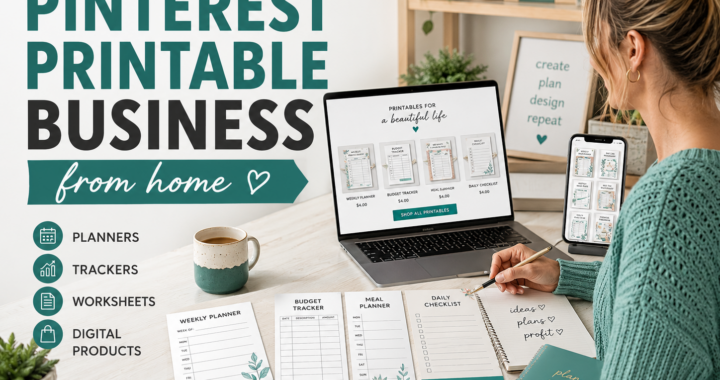
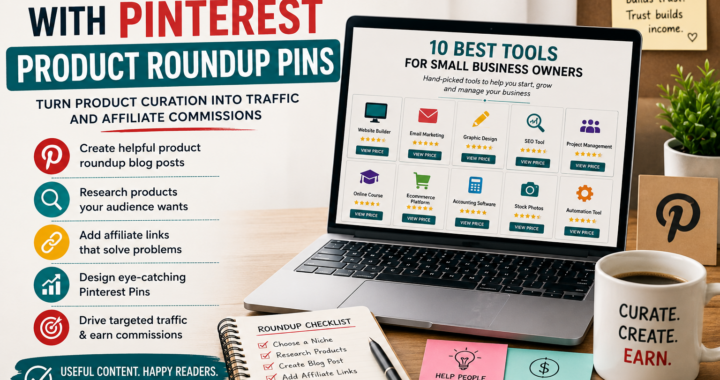
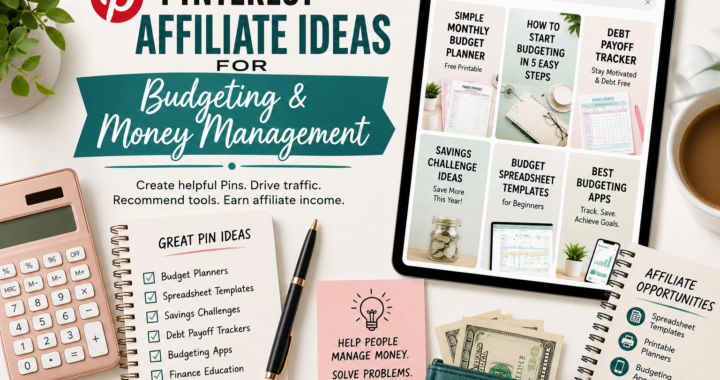
Your Pin image generated_image_1779813159_0.png already matches this “template” style—perfect.
Step 7: Write Pin titles + descriptions that match search intent
Pinterest titles are search-facing. Keep them literal and keyword-rich.
Title structure (copy/paste)
“Pinterest Affiliate Marketing From Your Phone (2026 Guide)”
“How to Do Pinterest Affiliate Marketing (Phone-Only Steps)”
“Pinterest Affiliate Marketing for Beginners (Mobile Workflow)”
Description structure
Use:
1 sentence about the problem
1 sentence about what they get
3–6 keyword phrases naturally
a simple CTA
Example:
“Learn Pinterest affiliate marketing from your phone with a step-by-step 2026 workflow: keywords, boards, Pin design, linking, and tracking. Perfect for beginners and mobile entrepreneurs. Read the full guide.”
Step 8: Link strategy (what to link to for best conversions)
Best practice: link Pins to a single, high-quality article (this one). Inside the article:
Put your affiliate links where intent is highest
Best conversion zones:
after a “tool recommendation” section
after a checklist
inside a comparison table (if you use one)
near the end where readers are ready to act
Add internal links strategically
You already have a TikTok affiliate guide—this is a perfect internal link because it helps visitors choose the channel that fits them.
Add this internal link naturally in your article:
“If you prefer viral short-form content, also read my TikTok guide:”
How to Use TikTok for Affiliate Marketing from Your Phone
https://probusinessstrategy.com/how-to-use-tiktok-for-affiliate-marketing-from-your-phone/
If you want, send me the URLs of your other affiliate-related posts later and I’ll place the exact internal links (no guessing).
Step 9: Tracking from your phone (what numbers matter)
Pinterest analytics can feel confusing. Keep it simple.
Track these 3 metrics:
Outbound clicks (most important)
Saves (good sign of evergreen value)
Impressions (distribution)
Quick optimization rules
High impressions, low clicks → your design/headline needs work
Low impressions → your keywords/board relevance needs work
High saves, medium clicks → make a second Pin with a clearer CTA
Step 10: A simple daily phone workflow (30 minutes)
This keeps it sustainable:
Daily (30 min)
10 min: create 1 Pin (reuse template)
10 min: publish + fill title/description
10 min: check top Pins and make 1 variation of the best performer
Weekly (60–90 min)
Create 5–10 Pins in batch
Schedule them (optional tool)
Update 1 older article with a new Pin angle
Pinterest + TikTok together (how they support each other)
Use Pinterest for evergreen search traffic. Use TikTok for fast discovery.
A simple content loop:
TikTok video → awareness now
Pinterest pins → clicks for months
Both → drive to your site where you monetize
Start with whichever you can execute consistently. If you want speed and viral reach, begin with TikTok:
https://probusinessstrategy.com/how-to-use-tiktok-for-affiliate-marketing-from-your-phone/
If you want long-lasting “set-and-grow” traffic, Pinterest is the perfect phone-based channel.
Final checklist (copy/paste)
Before you publish:
Pinterest business account set
Boards created with keyword names
Article live with affiliate disclosure
3 Pins created (3 headlines)
Each Pin links to this article
One internal link added to your TikTok guide
You now have a phone-only affiliate engine that compounds.