Affiliate disclosure: This post contains affiliate links. If you make a purchase through one of these links, ProBusinessStrategy may earn a small commission at no extra cost to you. We only recommend tools we genuinely believe in.
Introduction
You don’t need a big budget to run a professional online business. In 2026, the best entrepreneurs know how to stack free tools strategically — and only pay for what genuinely moves the needle.
This guide covers the best free tools across every area of your business: design, marketing, email, productivity, finance, SEO, and more. Most of these tools are free forever. Some have paid upgrades worth considering once you’re generating revenue.
Design & Branding
1. Canva — Best Free Design Tool
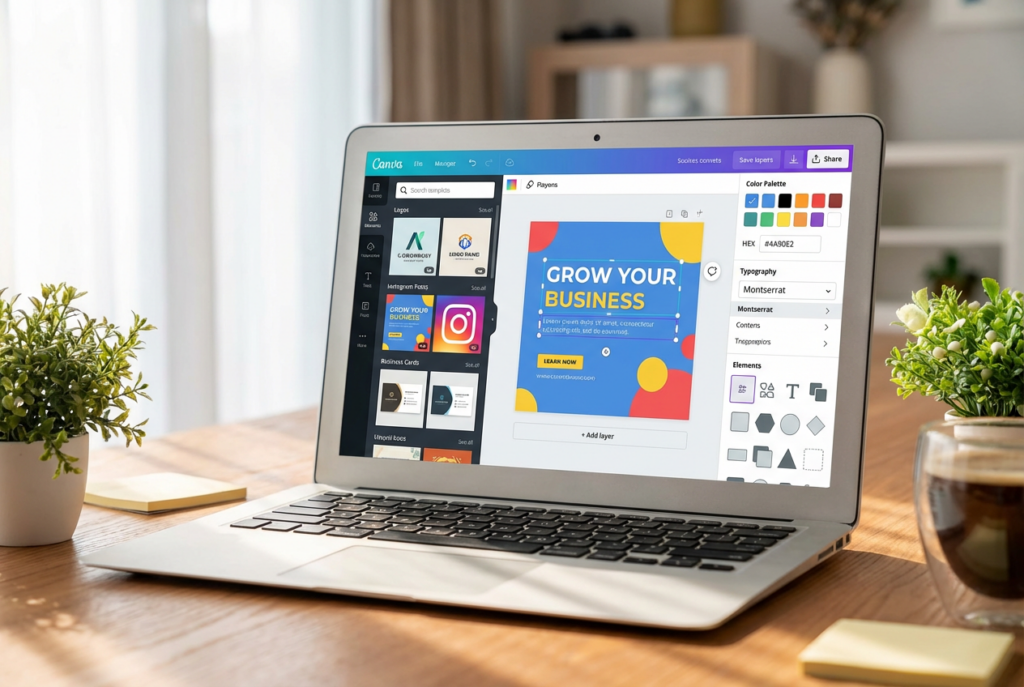
Canva is the single most-used tool by online entrepreneurs worldwide — and the free version is genuinely powerful.
What you can do for free:
Create logos, social media posts, presentations, flyers, and e-books
Access 250,000+ free templates
Use the drag-and-drop editor with zero design experience
Create brand kits (limited on free plan)
Export in PNG, JPG, and PDF formats
Who it’s for: Every entrepreneur. There’s no business type that doesn’t benefit from Canva.
Free plan limit: Unlimited designs, some premium elements are locked behind Canva Pro.
Worth upgrading? Canva Pro (~$15/month) adds background removal, Brand Kit, 100M+ premium assets, and Magic Resize. Once you’re producing regular content, it’s worth every dollar.
2. Looka — Free Logo Preview
Looka uses AI to generate professional logo concepts from your business name and style preferences. You can browse and customize logos for free — you only pay to download the files.
Best for: Getting a polished, professional logo without hiring a designer (~$20 for a single logo package).
3. Remove.bg — Free Background Removal
Remove backgrounds from photos instantly. Free for lower-resolution exports, paid for high-resolution. Essential for product photography and social media content.
4. Unsplash & Pexels — Free Stock Photography
High-quality, commercially licensed photos — completely free. Both sites offer thousands of professional images with no attribution required.
Unsplash — Best for lifestyle, nature, and editorial photography
Pexels — Great variety, including business and tech photos
Email Marketing
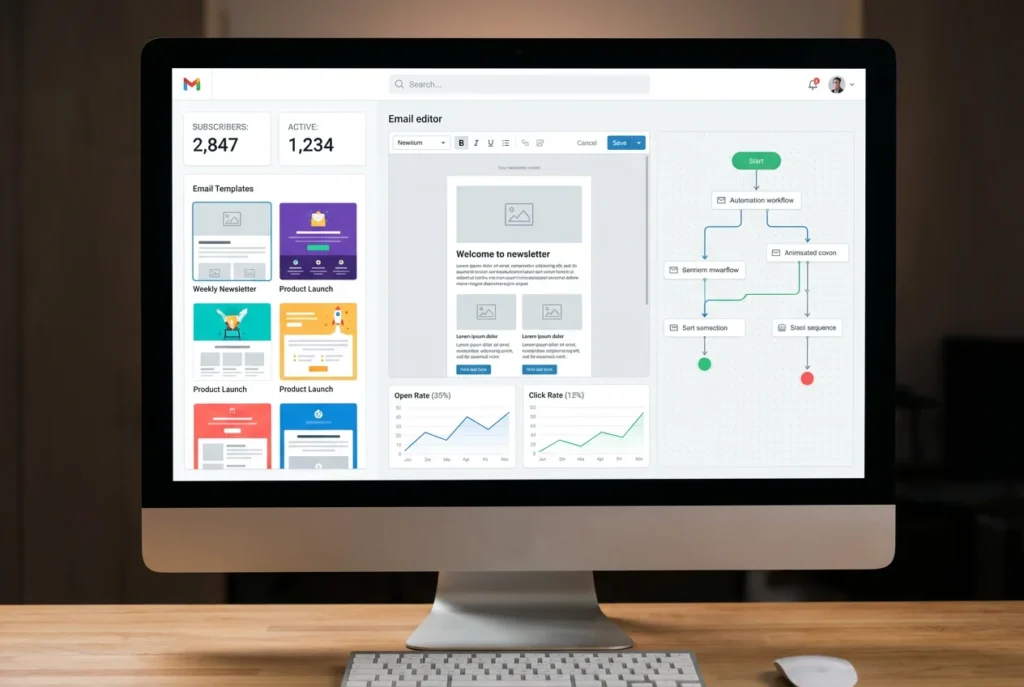
5. ConvertKit — Best Free Email Marketing Tool
ConvertKit is the email platform of choice for creators and online entrepreneurs — and it’s free for your first 1,000 subscribers.
What you get for free:
Unlimited email broadcasts
1 visual automation sequence
Unlimited landing pages and sign-up forms
Subscriber tagging and segmentation (basic)
Commerce tools to sell digital products
Why it beats Mailchimp for entrepreneurs: ConvertKit’s free plan includes automations and landing pages. Mailchimp’s free plan restricts automations to the paid tier.
Who it’s for: Bloggers, content creators, coaches, freelancers, and anyone building an audience online.
Worth upgrading? ConvertKit Creator Pro adds advanced reporting, newsletter referral systems, and unlimited automations. Worth it once you exceed 1,000 subscribers.
6. Mailchimp — Free for Very Small Lists
Mailchimp remains a solid option for businesses with under 500 contacts who need basic email broadcasts. The free plan is more limited than ConvertKit’s but widely recognized.
Best for: Very simple newsletter sending to a small list, or e-commerce stores using Mailchimp’s Shopify integration.
Website & Hosting
7. WordPress.org — Free Website Platform
WordPress powers 43% of all websites on the internet. The software itself is free — you only pay for hosting (typically $3–$5/month with Hostinger or Bluehost).
What you get:
Complete control over your website
59,000+ free plugins
Thousands of free themes
E-commerce via WooCommerce (free)
SEO via AIOSEO or Yoast (free versions available)
Best for: Bloggers, content sites, affiliate marketing, and any business that needs a professional, scalable website.
Recommended hosting: Hostinger starts at ~$3/month with a free domain included. It’s the best value hosting available for WordPress beginners.
8. Google Sites — Completely Free Websites
For the simplest possible website with zero technical setup, Google Sites is free and requires only a Google account. Limited design control, but functional for basic business presence.
Best for: Simple one-page sites, internal business wikis, or testing a concept before investing in WordPress.
9. Linktree — Free Link-in-Bio Page
A single link that houses all your important links — your website, social profiles, lead magnet, shop, and more. Essential for Instagram and TikTok where you can only put one link in your bio.
Free plan includes unlimited links. Paid plan adds analytics and custom domains.
SEO & Content
10. Google Search Console — Free SEO Monitoring
The single most important free SEO tool available. Google Search Console shows you:
Which keywords your pages rank for
How many people click through to your site from Google
Which pages have indexing errors
Your site’s overall health in Google’s eyes
Setup: Go to search.google.com/search-console, add your website, and verify ownership. Start receiving data within 48 hours.
Must-have for: Every website owner. There is no good reason not to have this set up.
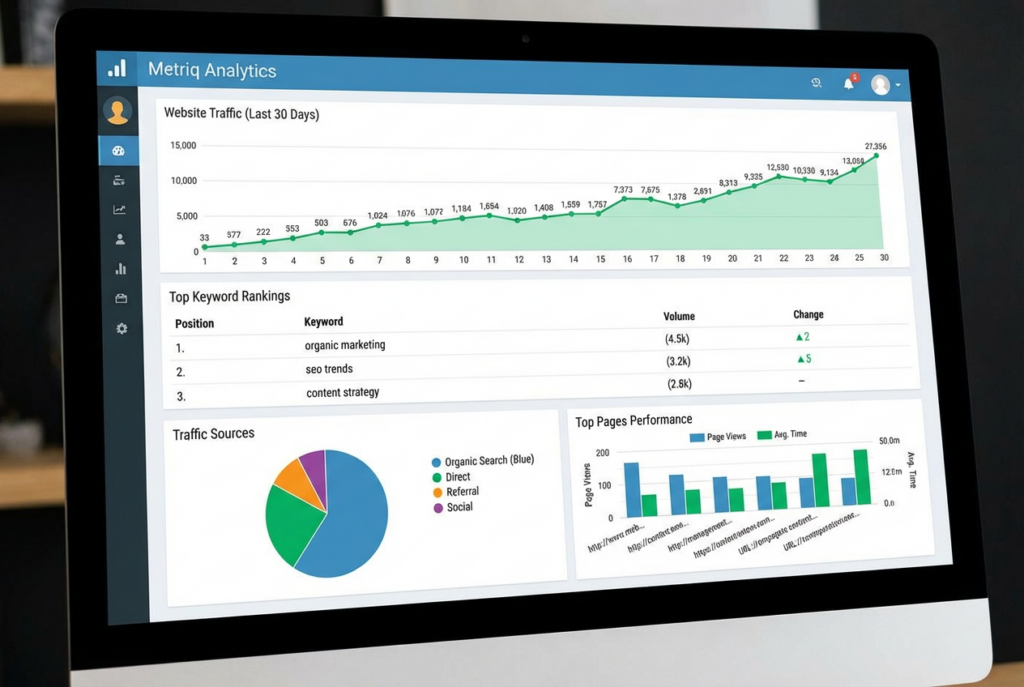
11. Google Analytics 4 — Free Traffic Analytics
Tracks everything that happens on your website: how many visitors, where they come from, which pages they read, how long they stay, and which pages lead to conversions.
Setup: Create a GA4 property at analytics.google.com, add the tracking code to your site (or install MonsterInsights plugin for WordPress), and start collecting data.
Must-have for: Anyone running a website. You cannot make good business decisions without traffic data.
12. Ubersuggest — Free Keyword Research
Neil Patel’s Ubersuggest offers free keyword research including search volume, keyword difficulty, and content ideas. The free plan is limited (3 searches per day) but enough for basic research.
Best for: Finding low-competition keywords to target with your blog content.
Alternative: Google Keyword Planner (completely free with a Google Ads account, even if you don’t run ads).
13. AnswerThePublic — Free Content Idea Generator
Visualizes all the questions people are asking around a topic on Google. Type in a keyword and get dozens of content ideas instantly.
Free for 3 searches per day. Invaluable for finding blog post ideas and FAQ content.
Productivity & Project Management
14. Notion — Free All-in-One Workspace
Notion is the Swiss Army knife of productivity tools — notes, databases, project boards, wikis, and CRM, all in one place.
What the free plan includes:
Unlimited pages and blocks for personal use
Collaborative workspaces (up to 10 guests)
Web clipper for saving articles and research
Thousands of free community templates
Best for: Solo entrepreneurs who want to organize their entire business — content calendar, client tracker, project management, and knowledge base — in one tool.
15. Trello — Free Visual Project Management
Trello’s card-based Kanban boards make it easy to track projects, tasks, and workflows visually. The free plan includes unlimited cards and up to 10 boards.
Best for: Entrepreneurs who prefer visual task management, content calendars, and simple project tracking.
16. Google Workspace (Free Tier) — Docs, Sheets, Slides
Google’s suite of productivity tools is free and genuinely excellent:
Google Docs — Word processing with real-time collaboration
Google Sheets — Spreadsheets with powerful formulas
Google Slides — Presentations
Google Drive — 15GB free cloud storage
Google Meet — Free video calls up to 60 minutes
Best for: All business documentation, client collaboration, and financial tracking when you’re starting out.
17. Calendly — Free Appointment Scheduling
Eliminate back-and-forth emails scheduling meetings. Share your Calendly link; clients pick a time that works for both of you.
Free plan includes one event type with unlimited bookings. Paid plans add multiple event types, team scheduling, and integrations.
Best for: Coaches, consultants, freelancers, and anyone who regularly schedules calls with clients.
Finance & Accounting
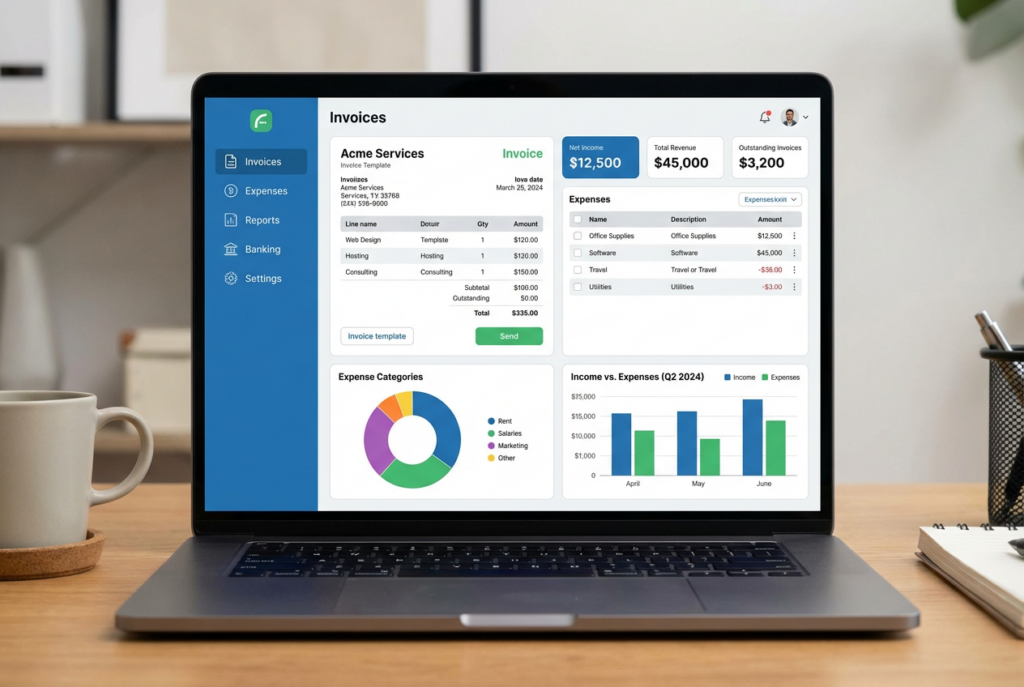
18. Wave Accounting — Completely Free Accounting
Wave offers free accounting software that genuinely rivals paid tools for basic needs:
Income and expense tracking
Connect your bank account for automatic transaction import
Professional invoicing (unlimited, free)
Receipt scanning
Basic financial reports (profit & loss, balance sheet)
Free forever — Wave makes money from optional add-ons like payroll and payment processing.
Best for: Freelancers, solopreneurs, and early-stage businesses that need basic accounting without a monthly fee.
When to upgrade: When you need advanced features like recurring invoices, time tracking, and project profitability, FreshBooks is the next step (~$17/month) and worth every dollar.
19. PayPal — Free to Receive Payments
Accept payments from clients and customers worldwide. Free to sign up; PayPal charges a transaction fee (typically 2.9% + $0.30 per transaction in the US) only when you receive money.
Best for: Freelancers, service businesses, and anyone getting started with online payments before setting up Stripe or Shopify Payments.
20. Wise — Free Multi-Currency Account
If you work with international clients, Wise (formerly TransferWise) lets you receive payments in multiple currencies at the real exchange rate — far cheaper than PayPal’s international fees.
Free to open; small fees only on currency conversions.
Best for: Entrepreneurs selling to international clients or operating cross-border businesses.
Social Media & Marketing
21. Buffer — Free Social Media Scheduling
Schedule posts to Instagram, Facebook, LinkedIn, TikTok, and Pinterest from one dashboard. The free plan includes 3 social channels and 10 scheduled posts per channel.
Best for: Entrepreneurs who want to batch their social media content and schedule it in advance rather than posting manually every day.
22. Later — Free Instagram & TikTok Scheduler
Later specializes in visual social platforms. The free plan includes 1 social set (1 Instagram + 1 TikTok + 1 LinkedIn + 1 Pinterest) with 30 posts per month.
Best for: E-commerce brands and content creators focused on Instagram and TikTok.
23. Meta Business Suite — Free Facebook & Instagram Management
Facebook’s own free tool for managing your Facebook Page and Instagram account together. Schedule posts, respond to messages, view analytics, and run ads — all in one place.
Best for: Any business with a Facebook Page or Instagram business account.
24. Google My Business — Free Local SEO
If your business serves local customers, Google My Business (now called Google Business Profile) is essential. A complete, optimized profile helps you appear in Google Maps and local search results.
Free forever. One of the highest-ROI marketing activities for local businesses.
Customer Relationship Management (CRM)
25. HubSpot CRM — Best Free CRM
HubSpot CRM is genuinely one of the best free business tools available — period. The free plan includes:
Unlimited contacts and storage
Deal pipeline management
Email tracking (see when clients open your emails)
Meeting scheduling integration
Live chat for your website
Basic reporting and dashboards
5 email templates
Best for: Any entrepreneur who manages client relationships, tracks leads, or wants to organize their sales pipeline. Even solo freelancers benefit from a basic CRM.
Worth upgrading? HubSpot’s paid plans ($45–$800+/month) add marketing automation, advanced reporting, and sales sequences. The free plan is sufficient for most small businesses.
E-Commerce
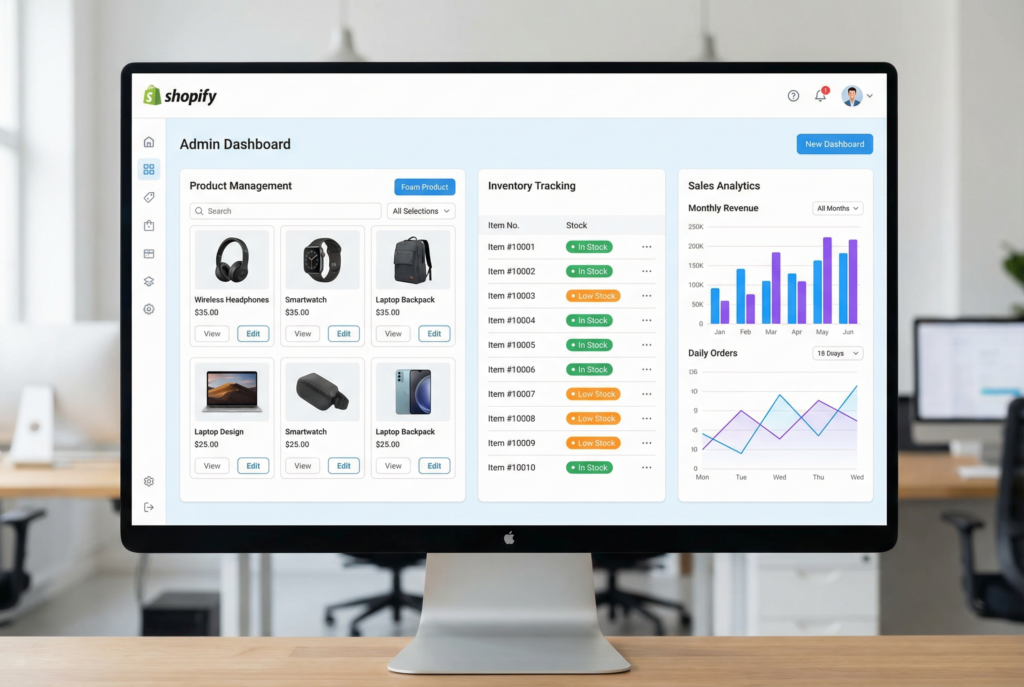
26. Shopify (Free Trial) — Best E-Commerce Platform
While not free forever, Shopify offers a free 3-day trial followed by just $1/month for the first 3 months. For anyone starting an online store, this is effectively free to launch.
The most complete, beginner-friendly e-commerce platform available. Everything you need to sell products online — from product listings to checkout to shipping — is built in.
27. Printful — Free Print-on-Demand
Printful is completely free to join. You pay only when a customer places an order — Printful’s cost is deducted from the sale price, and you keep the margin.
No inventory. No upfront cost. Integrates directly with Shopify, Etsy, WooCommerce, and more.
Best for: Anyone starting a print-on-demand e-commerce business.
28. Gumroad — Free Digital Product Sales
Sell e-books, courses, templates, music, and any digital product. Gumroad is free to use — they take a 10% transaction fee per sale.
Best for: Creators selling their first digital product without wanting to set up a full e-commerce platform.
Communication & Collaboration
29. Zoom — Free Video Calls
The standard for professional video calls. Free plan includes unlimited 1-on-1 meetings and group calls up to 40 minutes.
Best for: Client calls, team meetings, and online coaching sessions.
30. Slack — Free Team Communication
If you work with a team or contractors, Slack organizes communication into channels. The free plan includes 90 days of message history and 10 integrations.
Best for: Teams of 2+ people who need organized, searchable communication beyond email.
31. Loom — Free Video Messaging
Record your screen and camera simultaneously to send video messages instead of writing long emails. Loom is incredibly effective for explaining complex topics to clients or team members.
Free plan includes 25 videos (5 minutes max each). Paid plan removes limits.
Legal & Business Formation
32. ZenBusiness — Best Value LLC Formation
ZenBusiness starts at $0 + your state’s filing fee — making it the most affordable way to form an LLC with professional support. Includes registered agent for the first year.
Best for: Any entrepreneur ready to formally protect their business.
33. HelloSign / Docusign (Free Tier) — Electronic Signatures
Get contracts and agreements signed digitally. HelloSign offers 3 free documents per month. Docusign offers a free trial.
Best for: Freelancers and consultants who need signed client agreements.
34. Termly — Free Privacy Policy & Terms Generator
Generates free privacy policies, terms of service, and cookie consent banners for your website. Required by law if you collect any user data (email addresses, analytics, etc.).
The Ultimate Free Tool Stack by Business Type
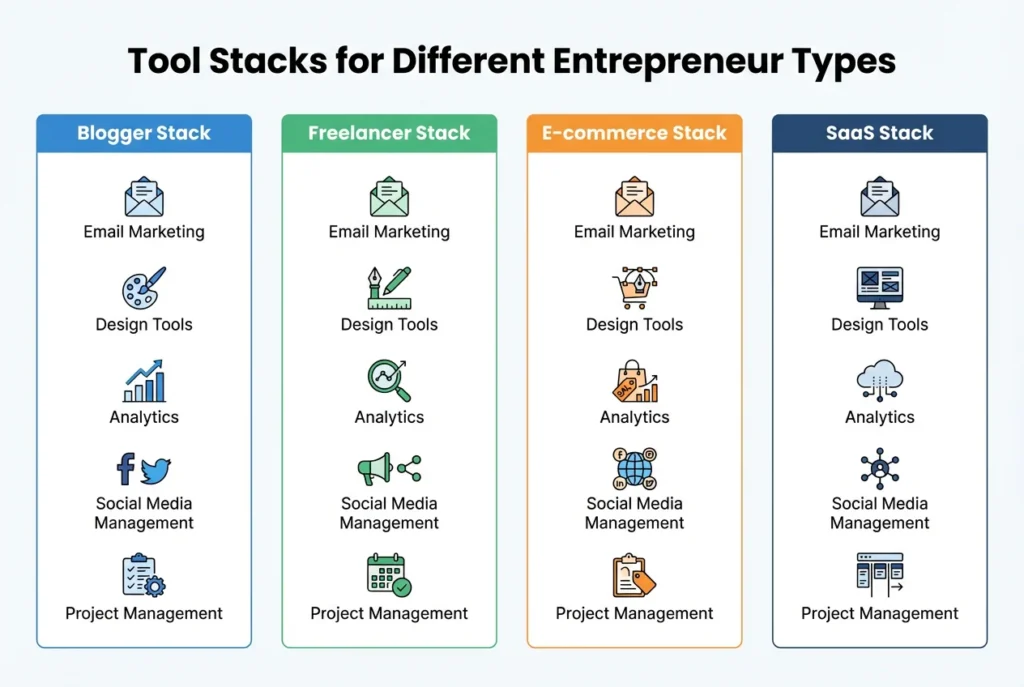
For Bloggers & Content Creators
| Tool | Purpose |
|---|---|
| WordPress + Hostinger | Website |
| Canva | Graphics and thumbnails |
| ConvertKit | Email list |
| Google Search Console | SEO monitoring |
| Notion | Content calendar |
| HubSpot CRM | Audience management |
For Freelancers & Consultants
| Tool | Purpose |
|---|---|
| Canva | Portfolio and proposals |
| ConvertKit | Email marketing |
| HubSpot CRM | Client pipeline |
| Wave | Invoicing and accounting |
| Calendly | Appointment scheduling |
| HelloSign | Client contracts |
For E-Commerce Entrepreneurs
| Tool | Purpose |
|---|---|
| Shopify ($1/month) | Online store |
| Printful | Product fulfillment |
| Canva | Product design and marketing |
| ConvertKit | Email marketing |
| Buffer | Social media scheduling |
| Google Analytics | Traffic tracking |
For Coaches & Course Creators
| Tool | Purpose |
|---|---|
| ConvertKit | Email list + paid subscriptions |
| Canva | Course materials and graphics |
| Zoom | Client calls |
| Notion | Course content organization |
| Gumroad | Digital product sales |
| Calendly | Booking sessions |
When to Start Paying for Tools
Free tools are excellent for starting out — but there comes a point where the right paid tool genuinely accelerates your growth. Here’s a rough guide:
| When You Hit This Stage | Consider Paying For |
|---|---|
| First $500/month revenue | Canva Pro ($15/month) |
| First $1,000/month | ConvertKit Creator ($25/month) |
| Launching an online store | Shopify Basic ($39/month) |
| $2,000+/month | FreshBooks for accounting ($17/month) |
| Multiple clients | HubSpot Starter CRM ($45/month) |
| Ready to protect your business | ZenBusiness LLC ($0 + state fee) |
The key principle: only upgrade when a paid feature will directly generate more revenue than it costs.
Frequently Asked Questions
Are these tools actually free, or just free trials?
Most tools on this list have genuine free tiers with no time limit — not trials. ConvertKit, HubSpot CRM, Canva, Wave, Google Analytics, and Google Search Console are free forever (with usage limits). Shopify is technically a trial, but at $1/month for 3 months, it’s the best e-commerce entry point available.
Which free tool has the highest impact for a new entrepreneur?
For most people: ConvertKit (start building your email list immediately) and Google Search Console (understand your SEO performance). These two together give you an audience-building channel and data to make smart content decisions.
Can I run a real business using only free tools?
Yes — for a while. Many successful entrepreneurs ran their first $5,000–$10,000 months using only free tools. Eventually, the right paid tools (Canva Pro, ConvertKit paid, Shopify) accelerate growth faster than the cost justifies staying free.
Which tool should I set up first?
Google Analytics + Google Search Console (takes 15 minutes, gives you data from Day 1)
ConvertKit (start building your email list before you have traffic)
Canva (design everything you need to look professional)
Your Setup Checklist
Start with these — they take less than 2 hours total and give you a professional foundation:
Create a Canva account (free)
Set up ConvertKit and create your first form (free)
Install Google Analytics on your website (free)
Connect Google Search Console (free)
Set up HubSpot CRM (free)
Create a Calendly account (free)
Set up Wave for accounting (free)
Add Linktree to your social media bios (free)
The best time to set up these tools was when you started your business. The second best time is today.
Ready to start your business? These free tools give you everything you need to launch — but the most important next step is choosing your platform. If you’re starting an online store, try Shopify free →. If you’re building an audience, start with ConvertKit →